By prioritizing five key practices, distinguishing between synchronization and backup, establishing clear recovery strategies (RTO/RPO), accounting for human error, ensuring visibility across all endpoints and preparing for rapid ransomware recovery—businesses can move beyond basic IT checklists to create a culture of readiness that ensures business continuity.
OneDrive protection should also be considered within a broader Microsoft 365 backup strategy covering Exchange, SharePoint and Teams.
Why We Need to Talk About OneDrive Security Differently
For many organizations, OneDrive has quietly become one of the most important platforms in the business.
It’s where your morning coffee thoughts become documents, where teams build ideas together and where the “crown jewels” of your business, contracts, financial reports and intellectual property, actually live. In a very real sense, your OneDrive environment is a digital map of your company’s hard work.
But there’s a common trap many of us fall into: the “cloud safety” assumption. We figure that because it’s Microsoft, it’s bulletproof. Unfortunately, that assumption continues to create problems.
Think about how much work has changed. We’re jumping between home offices, airports and coffee shops on various devices. This flexibility is great for us as humans, but it also opens the door to things like accidental deletions, “whoops” sharing moments, and evolving ransomware threats.
The reality is simple:
Storing data in the cloud isn’t the same thing as making it resilient. The companies that sleep best at night are the ones that don’t just rely on native settings, but actually build a safety net around their data. Securing your OneDrive isn’t just a checklist for the IT department anymore, it’s how you make sure your business can keep running no matter what.
As we move through 2026, securing OneDrive data is no longer an IT task alone. It has become a business continuity requirement.
Here are the first five practices every organization should prioritize.
1. Stop Treating OneDrive as a Backup Platform
This is one of the most common misunderstandings in modern IT.
There’s a huge difference between synchronization and backup. OneDrive is built for speed and collaboration, it makes sure the file you edited on your laptop is the same one you see on your phone. But that’s exactly why it can’t be your only safety net.
If you delete a folder by mistake, OneDrive “helpfully” synchronizes that deletion across all your devices. A true backup, however, is an independent copy that stays safe even when things go wrong on the live platform.
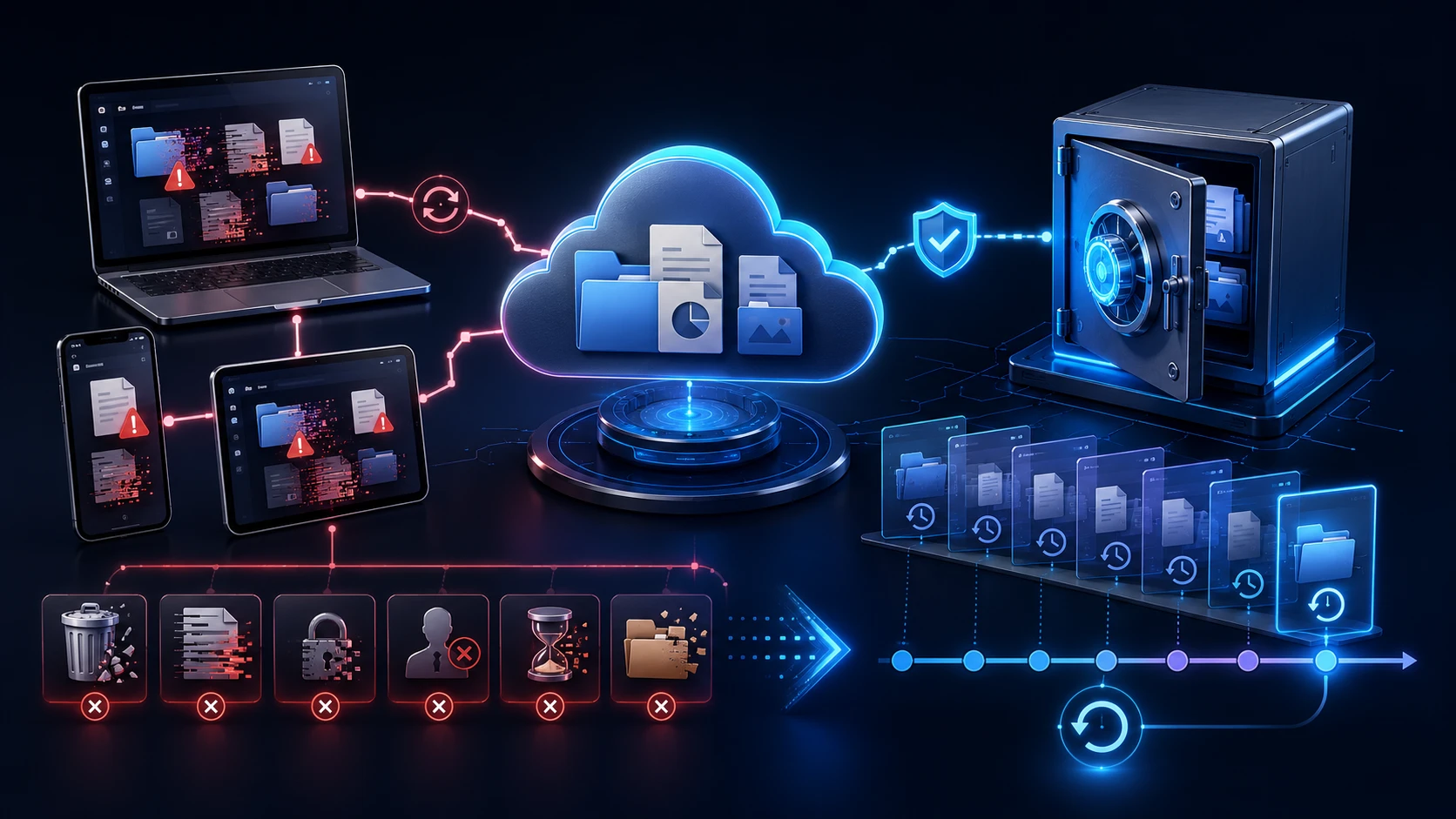
Think about these all-too-human scenarios:
- A teammate accidentally clears out a shared project folder.
- A disgruntled employee removes files before leaving the company.
- Malware encrypts synchronized files.
- Retention policies expire.
- Shared documents are overwritten repeatedly.
To really be secure, you need the ability to go back in time with independent copies. Don’t just ask “Is it in the cloud?” Ask “If this disappeared today, how fast could I get it back?”
2. Build a Recovery Strategy Before You Need One
Most of us spend a lot of time worrying about how to stop bad things from happening. But it’s just as important to decide what happens after something goes wrong.

When your data is down, your business is effectively paused. To minimize that stress, you should have two numbers clear in your mind:
Recovery Time Objective (RTO)
If your system crashed, how many hours could your team go without their files before it became a crisis? For some, an afternoon is fine. For others, thirty minutes of downtime feels like an eternity.
Recovery Point Objective (RPO)
If you had to restore from a backup, how much recent data could you lose? A day’s worth? An hour’s? If your team is constantly updating legal docs or financial records, losing even fifteen minutes of work can be a massive headache.
Getting these answers down now means you aren’t guessing during a real emergency.
3. Protect Against Human Error, Not Just Cyber Threats
Ransomware gets all the headlines, but the biggest threat to your data is actually much more relatable: honest human error.
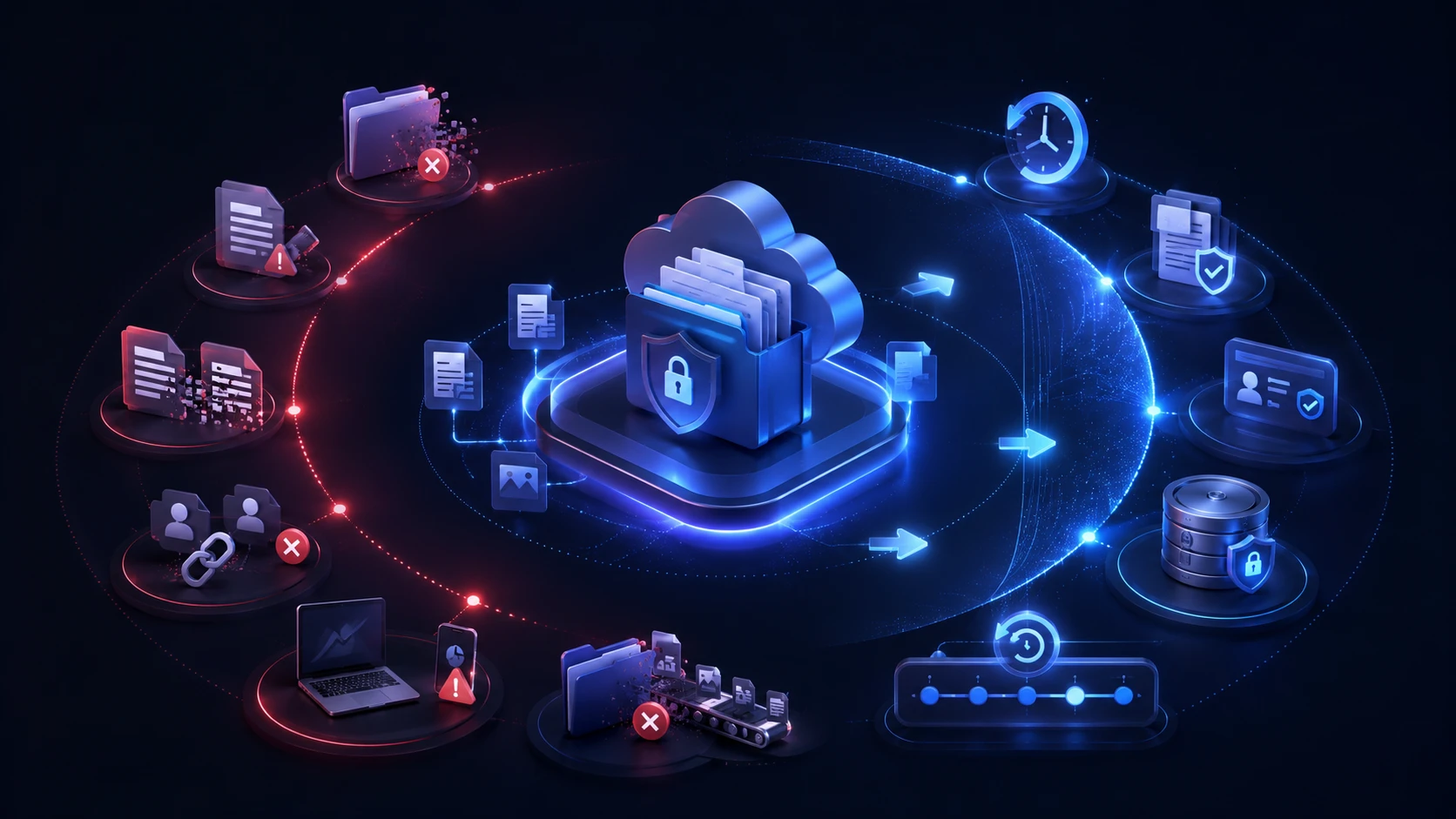
Most data loss doesn’t come from a mysterious hacker in a hoodie. It comes from tired employees or simple mistakes, like:
Every day, organizations experience:
- Accidental deletions
- Overwritten files
- Incorrect permissions
- Misconfigured synchronization
- Unauthorized sharing
- Lost devices
- User mistakes during migrations
These errors are quiet and easy to miss. You might not realize a file was deleted until three weeks later when you actually need it. Good security planning assumes that we’re human and mistakes will happen, great planning makes sure those mistakes are easily reversible.
4. Ensure Visibility Across Every Endpoint
In 2026, OneDrive “security” isn’t just about what’s happening in the cloud; it’s about every laptop, tablet, and phone your team uses to get their work done.

With hybrid work, our data is traveling everywhere, hotels, coffee shops and home networks. As an IT lead or business owner, you need to know which devices are actually protected and which ones might be lagging behind on their updates or syncs.
Visibility is your best friend here. You can’t protect what you can’t see, and you certainly can’t recover data from a device you didn’t even know was at risk. Centralizing that view across all your endpoints is a huge step toward real peace of mind.
5. Make Ransomware Recovery a Priority, Not an Afterthought
We all have defenses like firewalls and email filters in place. But modern ransomware (ransomware recovery strategy) is smart; it often targets the very systems we use to sync our work.
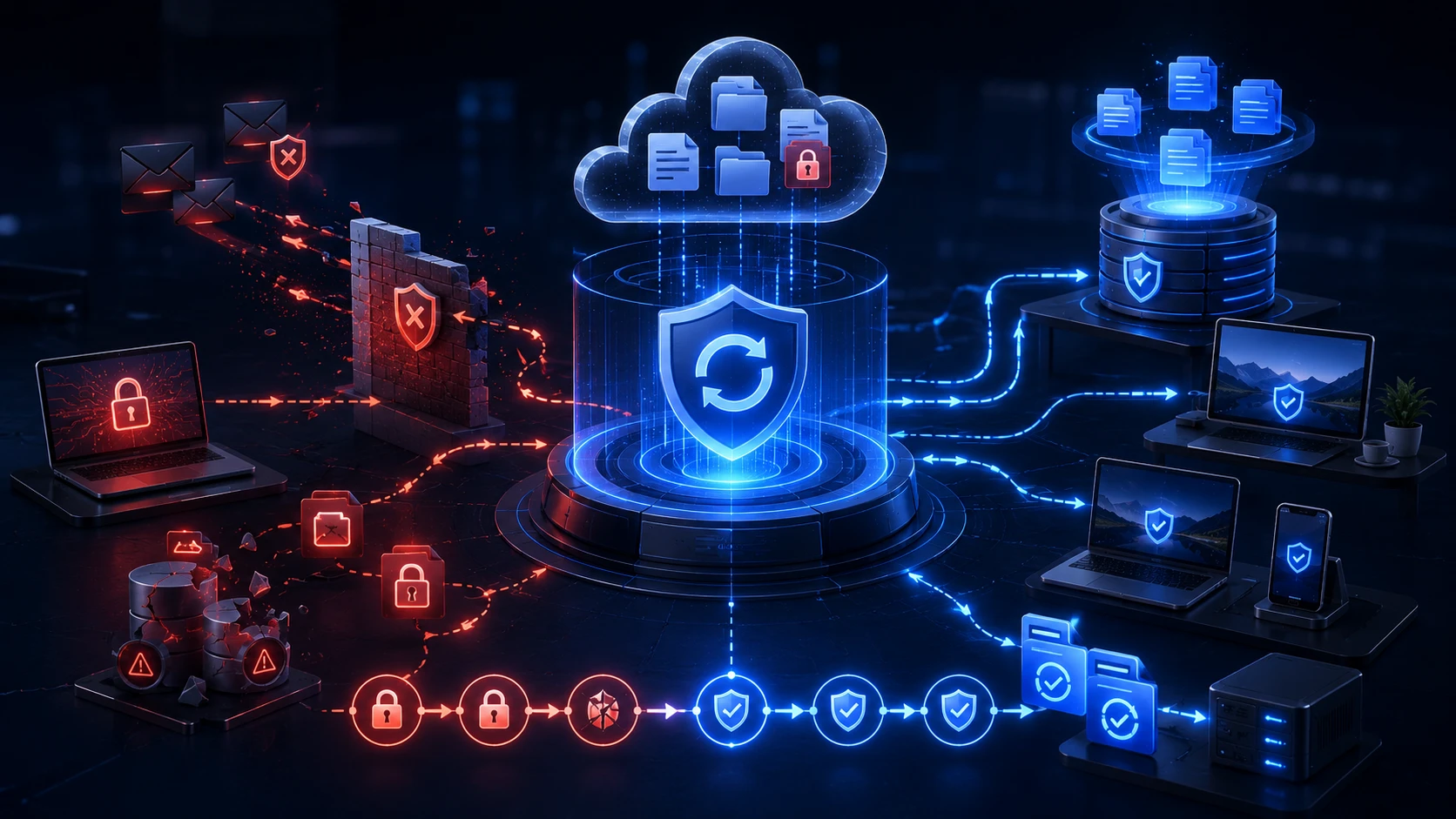
Because of this, the most important question for 2026 isn’t “Can we stop every attack?” (as much as we’d like to), but rather “Can we bounce back fast if one gets through?”
Think about your current setup:
Do you know exactly how far back your file versions go? Have you actually tested a large scale restoration to see if it works as quickly as you think it does? A recovery plan that only exists on paper is just a wish. The strongest organizations aren’t the ones that are never attacked they’re the ones that get back to work the fastest.
Looking Ahead
Securing OneDrive in 2026 is about more than just clicking the right security settings. It’s about building a culture of readiness where visibility and recovery are just as important as prevention.
Organizations need a broader strategy that combines visibility, recovery readiness, endpoint protection, and business continuity planning.
In Part Two, we’ll dive into five more ways to strengthen your Microsoft 365 environment, looking at things like smart retention policies and automated protection. Because at the end of the day, protecting your data isn’t just an IT task—it’s how you protect the future of your business.