


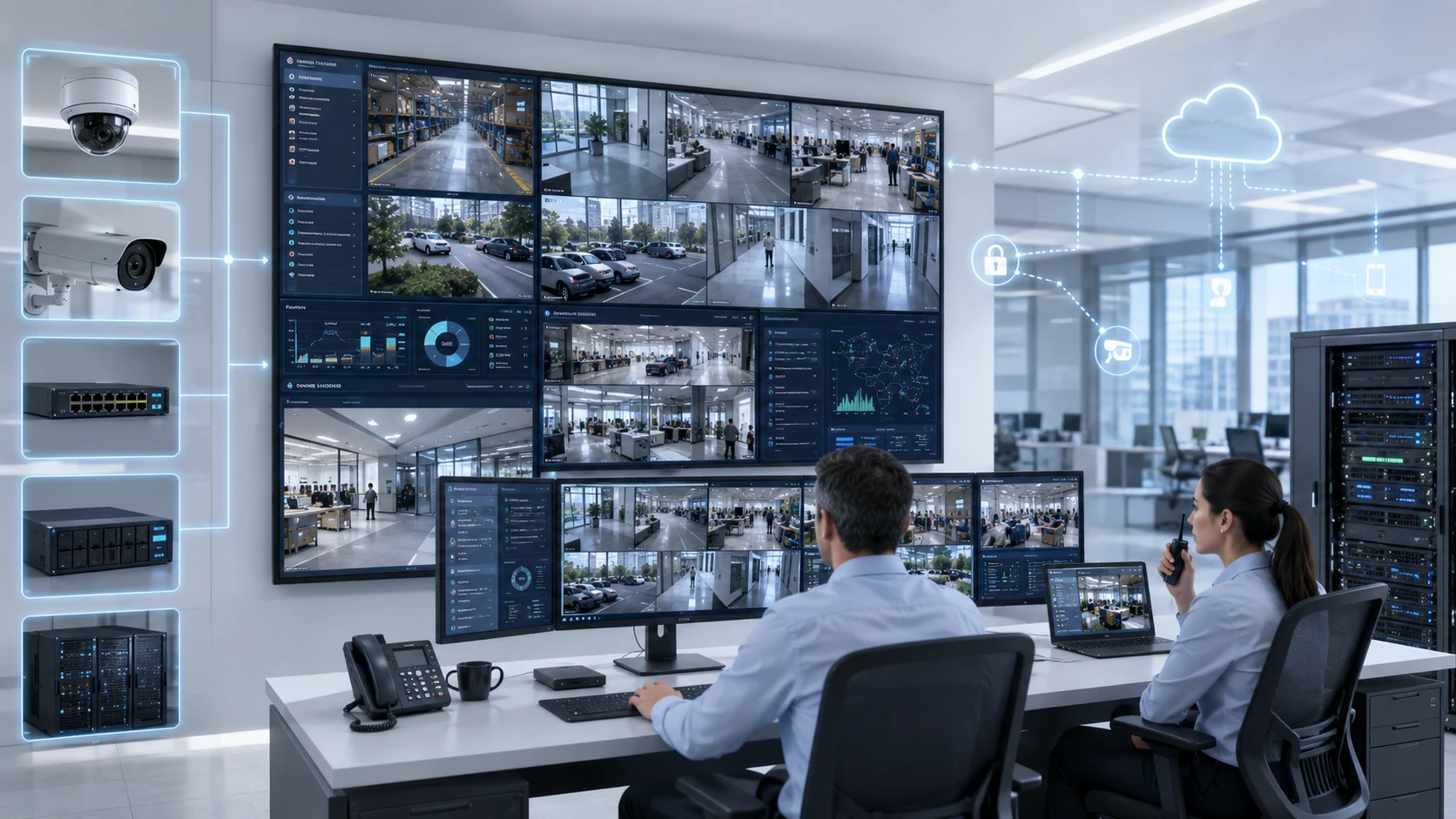
You might find the night footage is too dark to see anything, or a crucial angle is missing. Maybe the storage fills up way too fast, or your team can’t find the clip they need. If you open a new branch and the system can’t keep up, or if nobody checked how secure the remote access is, you’ve got a problem.
In short, you bought cameras, but you didn’t really build a surveillance system.
For businesses here in the GCC, these systems do a lot of heavy lifting. They protect people, track deliveries, manage retail queues and keep an eye on everything from warehouses to busy offices.
Because it’s so vital, designing a CCTV network is really an infrastructure project, not just a shopping trip for hardware.
A reliable enterprise video surveillance system must bring together cameras, recording, storage, network capacity, management software, cybersecurity and operational procedures. Every component must be selected according to what the business needs to see, how long it needs to retain footage and how quickly teams must be able to act.
The most successful projects therefore begin with questions, not product quantities.
Ask yourself:
What risks are we facing? Which areas are most important? Who’s watching the feeds? How will we grow? What’s the plan if something breaks?
The answers to these questions are what actually build your system architecture.
What Is an Enterprise Video Surveillance System?
An enterprise system is a professional, centrally managed way to handle video across all your locations. It’s more than just cameras; it’s the recorders, the network and the software all working together.
It normally includes IP cameras, network video recorders, storage systems, network infrastructure and video management software. Depending on the use case, it may also include analytics, access control integration, alarm inputs, audio, central monitoring rooms and remote management.
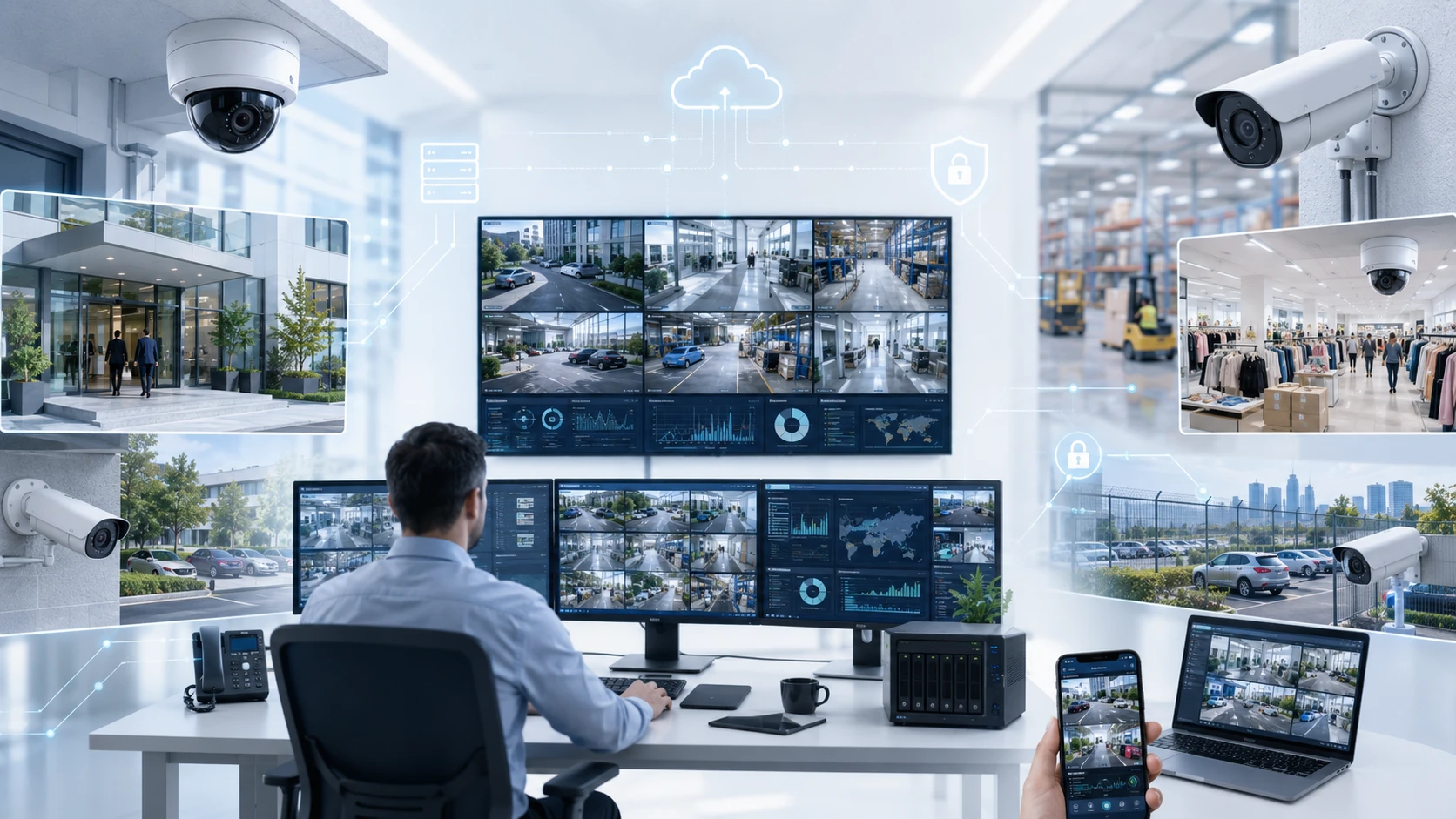
The word “enterprise” does not refer only to the number of cameras.
A system with 20 cameras can still require enterprise-level planning if it protects a sensitive facility, records critical operations or must meet strict retention and availability requirements. Meanwhile, a system with hundreds of poorly planned cameras may still operate like a basic installation.
A great system lets your team see what’s happening live, manage everything from one place, and find specific footage in seconds without hunting through hours of video.
Tiandy’s enterprise portfolio reflects this connected approach. Its official product range includes IP cameras, professional and AI-enabled NVRs, servers and central management platforms.
The Easy7 CMS platform, for example, is designed to centralize functions such as video surveillance, device management, alarms, maps and access control management rather than treating every camera or recorder as an isolated system.
Instead of logging into ten different systems for ten different branches, you get a single, clear view of everything.
When each branch operates independently, security managers may need separate logins, different interfaces and local staff to retrieve footage.
In a properly designed enterprise CCTV network, authorized personnel can apply common policies and gain wider visibility without losing control over individual sites.
Enterprise CCTV vs Basic Camera Installation
A basic camera installation usually focuses on immediate coverage.
You stick a camera over the entrance, another at the front desk, plug a recorder into a cabinet, and watch the live feed on a monitor. If you’re running a small, low-risk shop, that probably does the trick. But enterprise CCTV is a different beast entirely.
It is designed around continuity, evidence, scale and controlled management. You can really see the difference when you look at the kinds of questions you ask during the planning phase.
A simple installation starts with:
How many cameras do we need?
Whereas an enterprise design digs deeper:
What must each camera identify, under which lighting conditions and at what distance?
A basic setup asks:
How large should the hard drive be?
An enterprise plan considers the big picture:
How many days of footage must be retained, at which resolution, frame rate and recording schedule, with what allowance for future growth?
A simple approach asks:
Can we view the cameras remotely?
An enterprise approach focuses on security and control:
Who is allowed to connect remotely, how will access be authenticated, how will activity be logged and how will the surveillance network be protected from unnecessary internet exposure?
A basic installation just checks:
Does the system record?
An enterprise design ensures results:
Can the organization retrieve useful footage quickly after a real incident?
This distinction is critical if you’re running multiple sites.
A single recorder might be fine for one office, but things get messy quickly when you add more branches or warehouses. You need a platform that keeps your devices, users and footage organized and consistent across the board. You also have to think about the entire lifespan of the system.
Eventually, you’ll add more cameras, need more storage, or want to update your software and security policies. Maybe you’ll even expand your buildings or want to use advanced analytics down the road.
A scalable architecture anticipates these changes instead of treating them as unexpected problems.
Main Components of a Surveillance System
Think of your surveillance setup like a chain, it’s only as strong as its weakest link. You can have the best cameras in the world, but they won’t help much if your network can’t handle the data or your storage runs out too fast. Everything has to work in harmony to get the job done.
Each part of the system must support the same operational goal.
IP Cameras
IP cameras are your “eyes” on the ground, sending digital video across your network.
They are available in different forms, including dome, turret, bullet, panoramic and PTZ cameras. The correct type depends on the location, distance, environmental conditions and purpose of the view.
A camera watching a wide lobby has a very different job than one tasked with identifying a face at a turnstile or reading a license plate at a gate.
High resolution is great, but it isn’t the only thing that matters.
When picking a camera, you also need to think about:
- Lens and field of view
- Mounting height and angle
- Day and night performance
- Backlighting and glare
- Indoor or outdoor exposure
- Weather and dust resistance
- Risk of vandalism
- Required identification distance
- Audio requirements
- Analytics support
- Available network bandwidth
One of the most common planning mistakes is using wide-angle coverage where detailed identification is required. A single camera may show an entire loading bay, but the people or vehicles within that scene may occupy only a small part of the image.
The camera technically covers the area, yet the footage may not answer the question that matters.
Good design begins by defining the purpose of every view. Is the camera expected to detect activity, observe behavior, recognize a known person or provide detailed identification? The answer determines placement and lens selection.
Modern Tiandy cameras, for example, can do a lot of the heavy lifting for you, with built in alerts for tampering, tripwires and even the ability to tell the difference between a person and a stray cat. Just remember that these smart features still need good lighting and the right angle to work their best.
NVR
The network video recorder, or NVR, receives and records video streams from IP cameras.
It handles everything from recording and playback to managing who has permission to see what. In a small office, one NVR might be all you need, but larger businesses often link several together through a central platform.
NVR selection should consider more than the advertised number of camera channels.
You also need to make sure it can handle the traffic:
- Incoming recording bandwidth
- Outgoing playback bandwidth
- Supported resolution
- Number of simultaneous users
- Storage capacity
- RAID or disk management options
- Failover requirements
- Supported analytics
- Number of playback channels
- Integration compatibility
- Future camera growth
Just because a recorder says it supports 32 cameras doesn’t mean it can record all of them at 4K resolution simultaneously. You have to check the total bandwidth capacity to avoid any bottlenecks.
The system should also leave room for growth.
If you max out your NVR on day one, you’ll be in trouble when you realize you need an extra camera for that new back entrance or the expanded storage room.
Tiandy offers a variety of NVRs, from standard professional models to AI-powered versions that help you search through footage faster. The key is picking the one that fits your specific project needs, not just grabbing the biggest box on the shelf.
Storage
Storage is what allows you to go back in time and see what happened. It’s also the part of the system that people most often underestimate.
It’s a common mistake to think it’s a simple calculation.
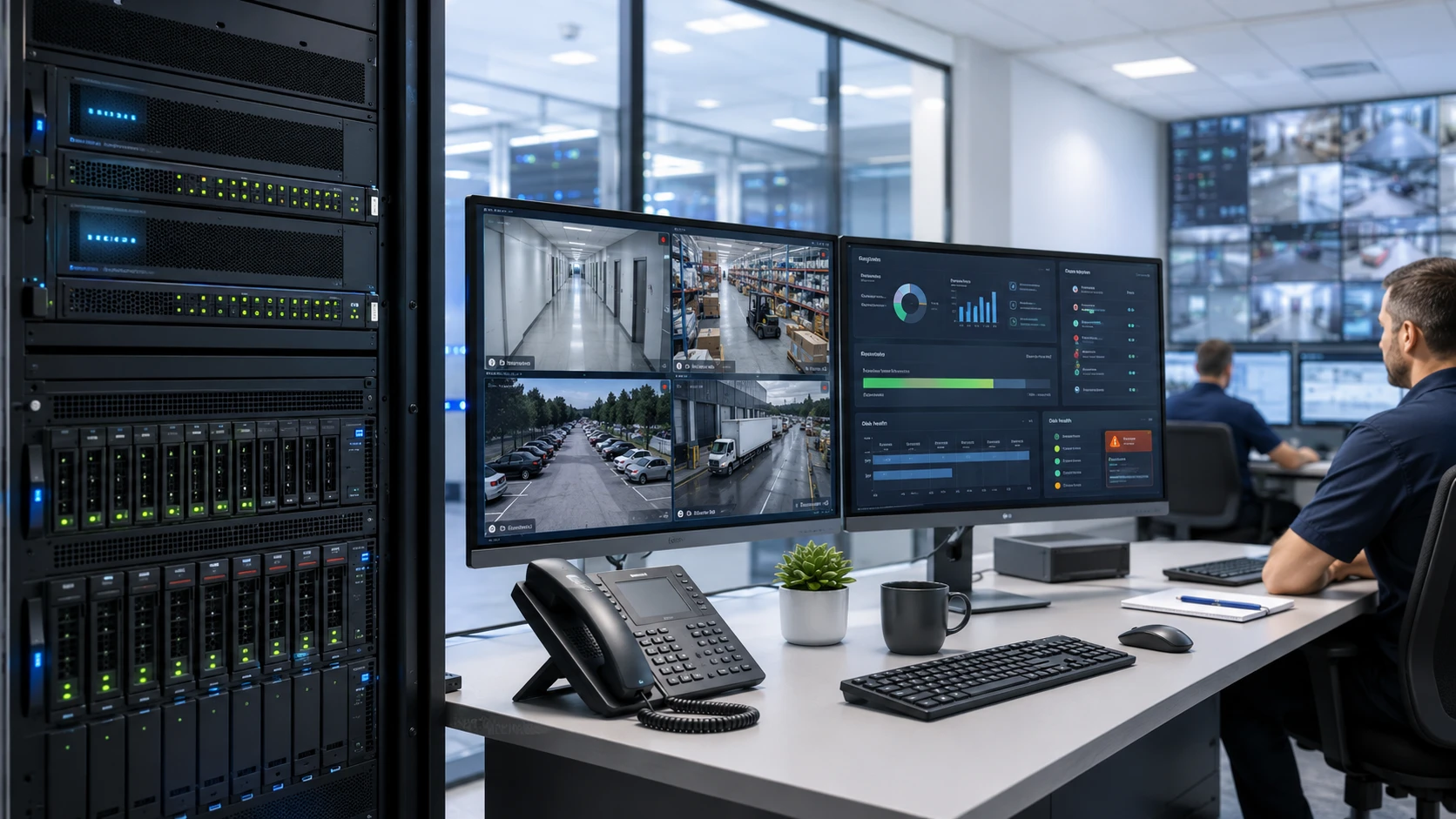
A statement such as “we need 30 days of recording” is not enough to calculate storage. Capacity depends on the number of cameras, resolution, frame rate, bitrate, compression format, scene activity and recording schedule.
A camera in a quiet hallway uses very little data if it’s only recording when someone walks by. But a camera watching a busy street or a crowded warehouse will fill up your drives much faster than you might expect.
To get it right, you need to look at:
- Current camera count
- Planned expansion
- Recording resolution
- Frames per second
- Average and maximum bitrate
- Continuous or event-based recording
- Retention period
- Audio recording
- Analytics metadata
- Storage protection
- Spare capacity
- Expected usable capacity after redundancy
Technology like H.265 compression can help you squeeze more video onto your drives, but the real-world results always depend on what’s actually happening in front of the lens. Don’t cut it too close with your storage budget.
A solid design leaves room for failed disks or a sudden need to keep footage for longer than originally planned. You should also have a clear plan for who gets an alert if a drive fails so you aren’t left with a gap in your recordings.
A sensible design allows for changing scene activity, bitrate variation, failed disks, additional cameras and longer retention requirements. It should also define what happens when capacity is reached and who receives notifications about disk errors or recording failures.
Network Infrastructure
An IP surveillance system is also a network system.
Every camera depends on switches, cabling, power, addressing and connectivity. When this infrastructure is poorly designed, users may experience delayed video, missing frames, unstable camera connections or failed recordings.
It’s best practice to keep your camera traffic separate from your regular office network. This keeps things organized and much more secure.
- Camera bandwidth
- Switch uplink capacity
- Power over Ethernet requirements
- Cable distance
- Fibre requirements between buildings
- Network segmentation
- Quality of service
- Redundant links
- Remote-site bandwidth
- Time synchronization
- Device addressing
- Monitoring and logging
Remote access also requires particular care.
Cameras and recorders should not be exposed directly to the public internet simply for convenience. CISA’s exposure-reduction guidance recommends removing unnecessary internet exposure, replacing default passwords, maintaining software updates, using monitored access paths, applying multifactor authentication where possible and watching network traffic for anomalies.
These are general cybersecurity principles, but they are highly relevant to connected surveillance infrastructure.
Network security should be part of the CCTV design from the beginning, not added after installation.
That includes changing default credentials, restricting administrative interfaces, applying firmware updates, disabling unused services, controlling external access and documenting device ownership.
A surveillance camera protects a physical space, but it is still a connected computing device.
Video Management Software
Think of your Video Management Software (VMS) as the brain of the whole operation. It’s what brings everything together into one easy-to-use dashboard.
Whether you’re checking live feeds, digging up old footage, or managing user access, the VMS is where it all happens. If you’re running multiple sites, this software becomes your central command center, making sure you aren’t jumping between different apps just to see what’s going on.
A useful platform should help operators move from simply watching screens to managing events.
You shouldn’t have to remember which recorder is in which building. You should be able to search by area or event in seconds. Plus, the system should be smart enough to tell you if a camera goes offline or a disk fails, rather than leaving you to find out the hard way. It’s also about control, giving your team the access they need based on their job, without oversharing sensitive data.
It’s all about setting up clear groups for your users.
A security guard might only need to see live video for one floor, while an investigator needs to be able to export clips. Your IT team might need to manage the hardware but shouldn’t necessarily have the keys to watch every private recording.
Keeping these roles separate protects everyone’s privacy and keeps things accountable.
Also, don’t ignore compatibility. Standards like ONVIF (Profile T and M) make sure your cameras and software actually talk to each other. Always double check official databases to be sure everything is truly compatible before you buy.
Tiandy’s Easy7 CMS is built for exactly this kind of centralized control, handling everything from video and alarms to maps and access points in one consistent view.
Key Goals of Business Surveillance
You shouldn’t just put up cameras for the sake of it. Every lens should have a specific job to do.
Every enterprise video surveillance system should support clearly defined business goals. Those goals normally fall into three areas:
security monitoring, incident investigation and operational visibility.
Security Monitoring
This is about knowing exactly what’s happening right now.
Whether it’s monitoring a warehouse gate or a busy shop floor, you want your team to be aware. Smart alerts can help by flagging specific events so your staff doesn’t have to stare at a wall of monitors all day long.
The effectiveness of live monitoring depends on the design of the control room and procedures as much as the cameras themselves.
If an operator is looking at 50 tiny screens, they’re going to miss something. It’s better to have clear layouts and a system that automatically pops up a camera when an alarm goes off.
Try designing your views based on what the person actually needs to do.
For example, a logistics facility may use one layout for gates and vehicle movement, another for loading docks and a third for internal restricted areas. The VMS can then bring alarmed cameras forward when a configured event occurs.
The goal is to have the system work for the person, not the other way around.
Incident Investigation
Recorded footage becomes especially important after an incident.
You’ll need to know when things started, who was involved and where they went. You might also need to share that footage with management or the police, so the process needs to be smooth.
This requires more than having a recording.
The system must maintain accurate time, usable image quality and reliable retention. Operators should know how to search, bookmark and export footage without altering the original recording.
Make sure you have a policy on how long you keep this footage and who is allowed to see it to stay on the right side of privacy laws.
Search tools can reduce investigation time significantly.
Instead of scrolling through hours of “nothing,” you can search for “motion in this corner” or “a person in a red shirt.” It turns a half-day job into a five-minute search.
The true value of your storage isn’t the number of terabytes, it’s how quickly you can find the proof you need.
Operational Visibility
Surveillance isn’t just for security; it can help you run a better business.
A manager might use it to see why a loading dock is always backed up, or a retailer might look at how customers move through the store. It’s about spotting patterns and making things more efficient.
That doesn’t mean you should use cameras to micromanage your employees.
Operational use should have a defined purpose, appropriate authorization and respect for applicable privacy requirements. Businesses should establish clear policies explaining where cameras are installed, what they are used for, who can access footage and how long recordings are retained.
Video gives you the full story in a way that a written report never could.
It shows you exactly how things happened, not just that they happened.
How to Design CCTV for Multiple Sites
Multi-site CCTV design should begin with a standard architecture.
Without a clear standard, you’ll end up with a mess of different camera brands, varying passwords, and inconsistent storage rules. That makes it a nightmare for your support team and nearly impossible to manage everything from one place.
A good multi-site plan should decide on:
- Approved camera categories
- Standard recording profiles
- Minimum image-quality requirements
- Common device-naming rules
- User roles
- Retention policies
- Network and security standards
- Health-monitoring procedures
- Remote-access methods
- Expansion capacity
The architecture must also decide where video will be recorded.
Many companies record locally at each branch but manage it centrally. This saves your internet bandwidth and ensures that if the connection to HQ drops, the cameras keep recording locally.
Others prefer a hybrid approach. The best choice depends on how much bandwidth you have and how quickly you need to pull footage from a remote site.
For most businesses, local recording with central management is the sweet spot.
The branch retains its footage locally, while the central security team can view cameras, receive alarms and retrieve recordings through the management platform. However, the design must test how much bandwidth is required when several users view or export high-resolution footage remotely.
Site resilience should also be considered.
If the internet goes out, will the local cameras keep working? Can people on-site still see the video? Do you have backup power for the recorders and switches? These are the questions that save you when an actual emergency happens.
This is especially vital for businesses across the GCC that have warehouses and offices spread far apart.
Always start with a pilot site.
The organization can test image quality, night performance, storage calculations, remote viewing, analytics and support procedures in a real environment. Lessons from the pilot can then improve the standard used for every additional location.
Role of AI Video Analytics
AI video analytics can help convert large volumes of footage into more useful events and searchable information.
While a basic system just hits ‘record,’ an AI system is constantly watching and evaluating things based on rules you set.
Modern systems can do some pretty impressive things, like:
- Human and vehicle classification
- Smart motion detection
- Perimeter intrusion
- Tripwire crossing
- People counting
- Heat maps
- Face detection
- Behavior-related events
- Object or event search
Tiandy’s supported AI NVR models include capabilities such as face detection, face recognition, tripwire, perimeter analysis, smart motion detection, behavior search, heat maps and people-counting reports. The available functions differ between models and should be confirmed during project design.
Analytics can improve efficiency by reducing irrelevant alarms.
Traditional motion detection may react to changing light, rain, shadows, moving trees or other environmental activity. Human and vehicle classification can help the system focus on objects that matter to the security rule.
Just don’t expect AI to be magic right out of the box.
If the lighting is bad or the camera angle is weird, the AI is going to struggle. You need to dial in the sensitivity so you aren’t missing events or getting too many false alarms.
You have to test these features on-site.
A perimeter rule designed for a quiet warehouse fence may not perform the same way in a crowded entrance. People counting at a controlled doorway is different from counting movement through a wide, busy lobby.
The business should define the action connected to each analytic event.
An alert is useless if no one knows who’s supposed to respond. Every rule needs an owner and a clear next step.
AI should make life easier for your team, not just give them more noise to ignore.
Common Surveillance Design Mistakes
The first big mistake is counting cameras instead of defining goals. Just saying “I need 50 cameras” doesn’t help. You need to know what you’re trying to see and why.
The second mistake is obsessing over resolution. High megapixels don’t matter if the lighting is terrible or the lens is wrong for the distance.
The third mistake is guessing on storage. Average bitrates usually fail in the real world. Always leave a buffer for busy scenes and drive failures.
The fourth mistake is ignoring the network. Video uses a lot of data. If your switches can’t handle the traffic, your footage is going to stutter or disappear when you need it most.
The fifth mistake is skipping cybersecurity. Leaving default passwords or exposing your system to the open internet is just asking for trouble.
The sixth mistake is leaving the recorder out in the open. An unprotected NVR can be stolen or unplugged. Keep it in a locked, cool room.
The seventh mistake is not checking system health. You don’t want to find out a camera was dead for a week after a break-in happens. Set up alerts for failures.
The eighth mistake is giving everyone admin rights. People should only see what they need for their job. It’s safer and more private.
The ninth mistake is trusting AI without testing it. Every scene is different. You have to calibrate and review your AI rules to make sure they actually work on your site.
The tenth mistake is treating every branch like a new project. Use the same naming, tech, and security rules across all your sites to keep your sanity.
The final mistake is walking away before testing the outcome. Don’t just check if the light is on; check if you can actually find and export clear footage from last Tuesday at 2 AM.
An accessible NVR can be stolen, damaged or disconnected. Recording equipment should be installed in a secure, environmentally suitable area with restricted access.
The seventh mistake is failing to monitor system health.
A camera may be offline for days if nobody receives an alert. The system should report camera loss, disk errors, recording failures, network problems and other critical conditions.
The eighth mistake is giving every user administrator access.
Permissions should reflect job responsibilities. Viewing, playback, export, configuration and deletion rights should be separated.
The ninth mistake is assuming analytics work without calibration.
AI rules must be configured and tested in the real scene. They also require periodic review when lighting, layouts or business activity changes.
The tenth mistake is designing each branch separately.
A multi-site organization needs consistent naming, recording, cybersecurity and management standards.
The final mistake is completing installation without testing the business outcome.
Commissioning should include day and night image checks, footage retrieval, storage verification, network-failure scenarios, user-permission testing and recovery procedures.
A camera appearing online is not the same as a system being ready.
Final CCTV Planning Checklist
Before approving an enterprise CCTV system, security, IT and operational stakeholders should be able to answer the following questions:
- Purpose: Is the objective of every camera clearly defined?
- Coverage: Have entrances, exits, restricted spaces, perimeter areas and operational risk points been assessed?
- Image detail: Will each camera provide enough detail at the required distance?
- Lighting: Has performance been checked during the day, at night and in challenging backlit conditions?
- Recorder capacity: Can the NVR support the required number of cameras, resolution, frame rate and total bandwidth?
- Storage: Has capacity been calculated using realistic bitrates, retention periods and recording schedules?
- Growth: Is there sufficient capacity for additional cameras and new sites?
- Network: Can switches, uplinks and wide-area connections handle normal and peak surveillance traffic?
- Power: Are PoE capacity, UPS protection and failure scenarios included?
- Cybersecurity: Have default credentials been removed, networks segmented and remote access secured?
- User access: Are permissions assigned according to role rather than convenience?
- Central management: Can authorized teams monitor devices, alarms and footage across multiple locations?
- Interoperability: Have required device, NVR and VMS integrations been tested rather than assumed?
- Analytics: Are AI rules connected to clear operational actions and escalation procedures?
- System health: Will responsible staff be notified when cameras, disks or recordings fail?
- Evidence handling: Are search, export, retention and access procedures documented?
- Privacy: Has the organization reviewed applicable privacy, legal and regulatory requirements?
- Testing: Has the system been tested under real day, night, network and incident conditions?
- Maintenance: Is there a schedule for firmware, health checks, cleaning and performance review?
- Ownership: Is it clear who manages the system after the installation team leaves?
Every unclear answer represents a possible gap.
Adding more cameras isn’t always the answer. Sometimes the best fix is better positioning, a stronger network, or just a better way to manage the whole thing.
Designing Surveillance Around the Business
At the end of the day, a great CCTV network isn’t built by just buying the most expensive gear you can find.
It’s built by understanding your business needs first.
The organization needs to know what it is protecting, what evidence it may require, how its sites operate and how the surveillance environment will grow. Technology should then be selected and configured around those needs.
For GCC businesses, this planning is critical as you expand across multiple cities or locations. Each new site needs to feel like part of the same secure family, not a standalone island.
D3 works with you to turn a simple shopping list into a real security architecture.
With Tiandy solutions, D3 helps you plan everything from the cameras and storage to the AI that makes sense of it all. We don’t just sell equipment; we help you build a system that’s easy to control and ready for the future.
A well-designed enterprise video surveillance system should feel almost invisible during normal operations.
It just works, recording reliably, alerting the right people and letting you add new branches without any friction.
And when that one critical moment happens, it delivers exactly what you need:
total visibility, solid proof and the confidence to act.

