Let’s be honest: USB drives are popular because they’re just so easy to use.
You plug in a thumb drive, drag a file over and you’re done in seconds. Technicians use them to load diagnostics onto offline machines and contractors rely on them to bring setup files to isolated systems.
But that exact convenience is what makes them risky. Removable drives easily slip past standard network security. A single flash drive can introduce malware, sensitive files can walk out the door without touching a monitored network and an unverified external drive can be plugged right into a company computer with zero warning.
That’s why an effective USB Device Control Policy shouldn’t just be a blanket rule that says:
“USB drives are blocked.”
Some teams genuinely need removable media.
The goal is to figure out which devices are safe, who gets to use them, what actions are allowed and how all that activity gets tracked.
For D3 clients across Riyadh and the GCC, an effective USB Device Control Policy is essential as organizations balance office staff, remote workers, technical teams and sensitive data across an expanding network. The best security policy isn’t necessarily the harshest one. It is the policy that reduces risk without forcing employees to find workarounds.
Why Removable Media Creates Risk
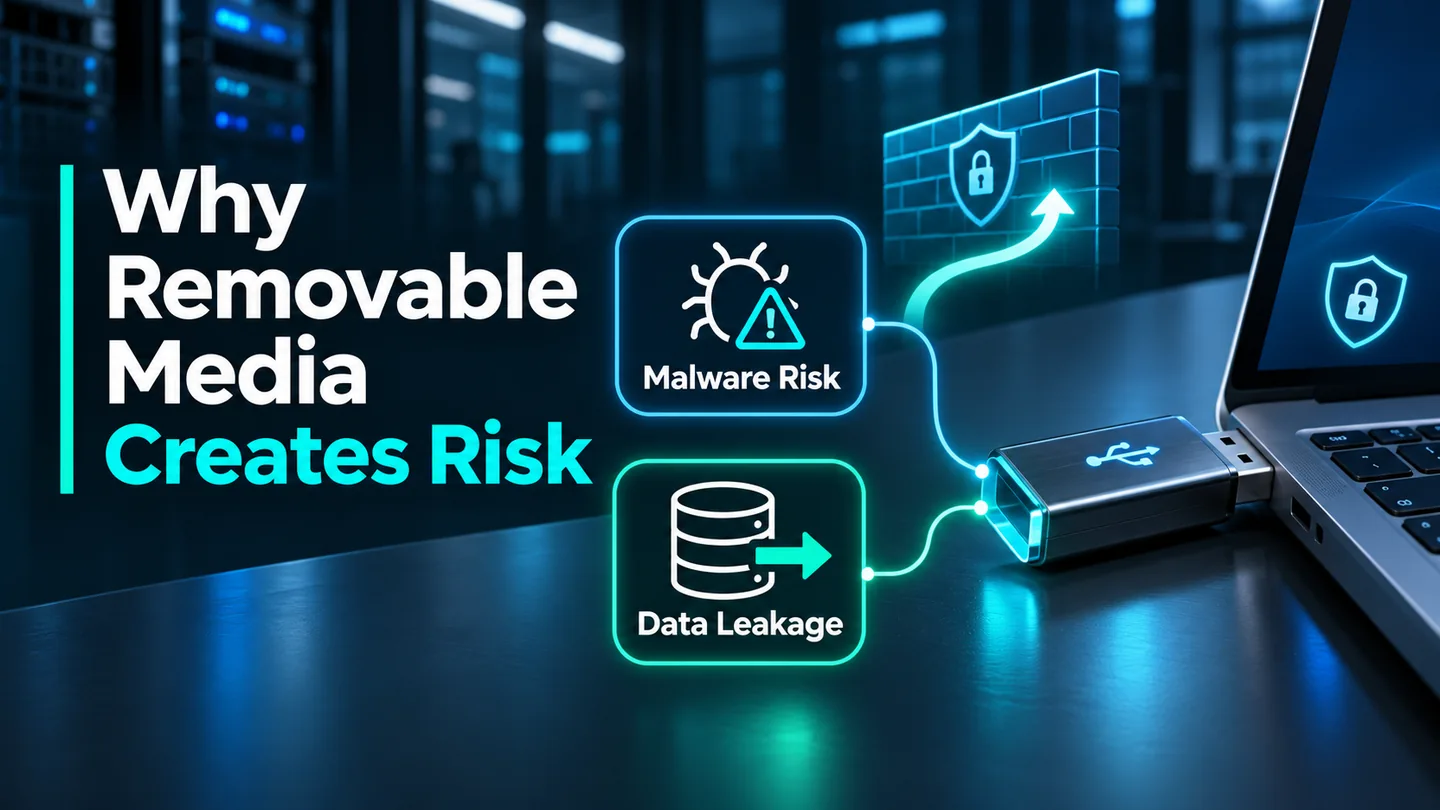
When it comes to cybersecurity, removable media creates two main headaches: keeping malicious software out and preventing sensitive data from walking out the door.
First, there’s the risk of malware sneaking into your systems. Second, there’s the risk of company data leaving your control.
USB drives are particularly tricky because they physically bypass digital perimeters and traditional network defenses. NIST SP 1334, which focuses on operational technology (OT) environments, highlights the risks of transferring data between systems using portable storage devices. To address this, NIST recommends using a solid mix of technical settings, operational rules and physical safety measures rather than simply relying on users to make the right call.
You see these same vulnerabilities unfold in everyday office settings all the time. For instance, an employee might plug in:
- A thumb drive brought from home
- An unverified external SSD
- A drive previously used on an unmanaged or personal PC
- A storage device handed over by a third-party contractor
- A free promotional USB drive picked up at a conference
Even if the user has complete goodwill and no harmful intentions, the drive itself can still carry hidden security risks. Portable storage can also become a data leakage path. Imagine an employee has legitimate access to customer records.
They don’t need to break through firewalls or hack past cloud permissions if they can simply drag and drop those files onto a flash drive. That’s why a USB Device Control Policy should reflect NIST guidelines, which suggest that organizations restrict or prohibit removable drives, including disabling read or write permissions where appropriate.
This distinction is crucial:
Managing USB security isn’t just about scanning for viruses. It’s equally about regulating which information can be moved, who is allowed to move it and which devices are permitted to do so.
What a USB Device Control Policy Covers
A practical USB control policy needs to do much more than just toggle USB ports on or off. Start by establishing clear boundaries. Which exact hardware types are covered under this policy?
Usually, that list includes:
- USB flash drives
- External hard drives
- Portable SSDs
- SD and memory cards
- Smartphones plugged in as storage
- Card readers
- Any other portable storage gear
From there, spell out exactly who gets permission to use them. Here is a common breakdown:
Standard staff: No removable storage allowed.
Marketing team: Read-only access to approved media.
IT support: Access restricted to company-issued USB drives.
System admins: Temporary write access granted for scheduled maintenance.
Contractors: Pre-approved hardware only, limited to specific machines and set time windows.
Next, specify how the technology itself should behave under your USB Device Control Policy. Solutions like K7 Endpoint Security let you manage rules by Category, Device ID and Class ID, giving IT far more fine-grained control than a simple blanket ban on USB ports.
That granularity is essential because USB handles much more than storage. Keyboards, mice, headsets, printers and flash drives all plug into the same ports. If you disable USB entirely, everyday work comes to a screeching halt. That is why policies must clearly distinguish between different device classes.
At a minimum, your policy should clearly answer:
- Which storage devices are strictly banned?
- Which devices are officially approved?
- Who qualifies for exceptions?
- Is read access permitted?
- Is write access allowed?
- Is execution from removable media allowed?
- Is scanning mandatory?
- How are exceptions approved?
- How are events logged?
When those questions are documented, the technology has something clear to enforce.
Block, Read-Only and Approved Device Modes
An effective USB Device Control Policy rarely relies on a single approach across the entire company.
Block
This is the strictest option available. Any unapproved or unknown removable drive is blocked from being accessed under the enforced policy. It makes sense for team members who simply don’t have a day-to-day work reason to move files over USB. This setup typically fits:
- General office staff
- Finance users
- Shared workstations
- High-risk systems
With K7 Cloud Endpoint Security, you can block unverified drives automatically and apply updated policies to managed machines as they synchronize with the console.
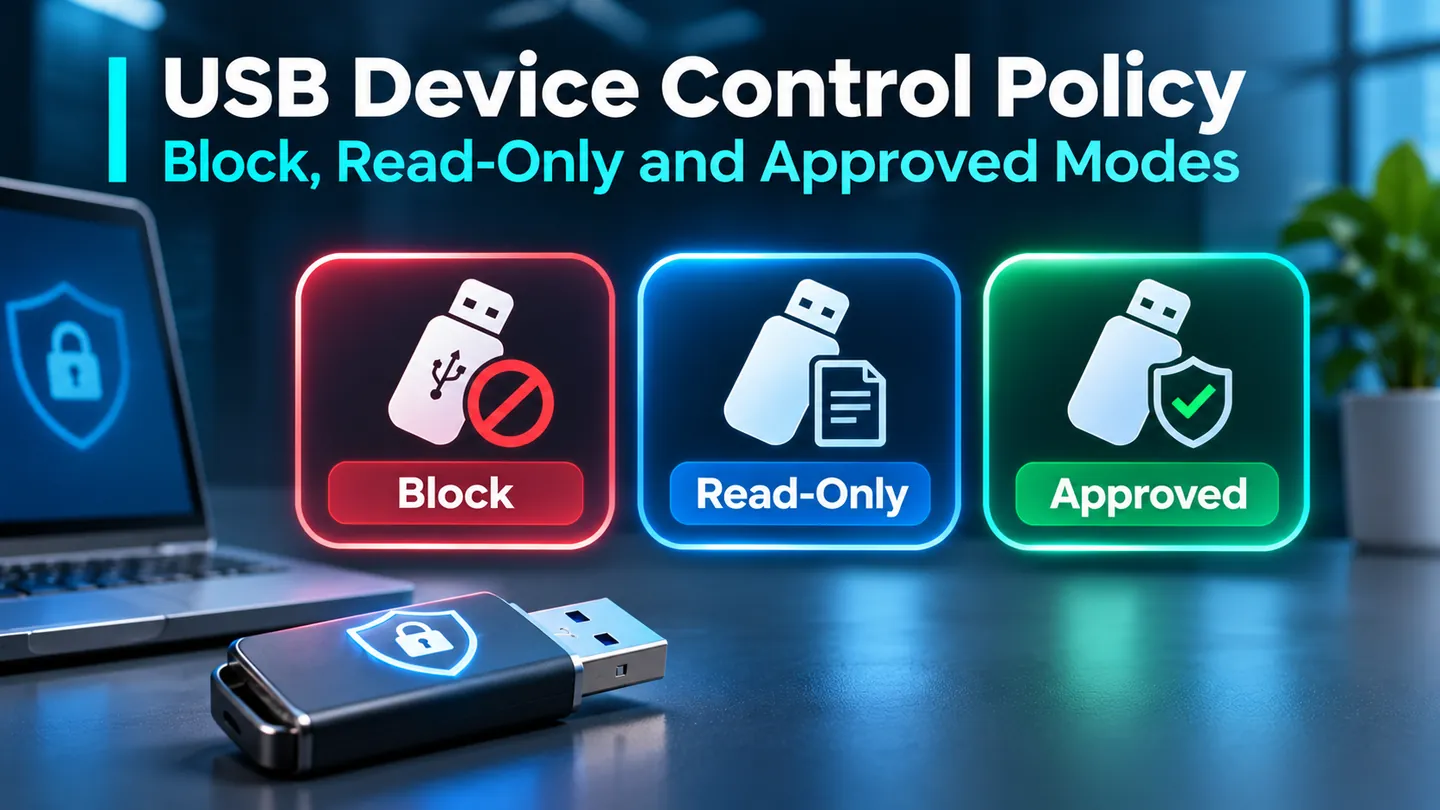
Read-Only
There are times when employees need to pull files off an approved drive, but you still want to block them from copying sensitive work files back onto it. Setting up read-only permissions helps prevent intentional or accidental copying of data onto those drives without getting in the way of daily tasks.
K7 lets you toggle between Read Only and full Write access controls for allowed storage hardware. This works great for:
- Receiving approved installation files
- Reading customer-provided documents
- Accessing controlled media without allowing export
Approved Device
Another model is device allowlisting. Instead of permitting every USB storage device, IT registers specific corporate devices. K7 can allow or block devices based on Device ID or Class ID. For individual-device approval, use an identifier specific to the device where supported rather than relying on its class alone.
This creates a smart, balanced setup. Staff members who legitimately require removable storage get pre-approved, managed drives. Personal USB drives stay completely blocked. As a result, your security team has a much smaller, more manageable pool of devices to oversee.
Exceptions for Contractors and Support Teams
A USB Device Control Policy tends to fall apart when it completely overlooks the people who actually need to use removable drives daily. IT support staff and external contractors are perfect examples of this.
A technician might stop by on-site to update an isolated system. A support engineer might need to retrieve log files from a machine cut off from the internet. Or an installation team might have to manually transfer firmware files.
If you impose a rigid “USB is completely blocked” rule across the board, staff will inevitably start asking admins to override controls manually. That usually leaves you with messy, uncontrolled exceptions.
A much better approach is granting controlled, temporary access.
For example:
Contractor: External field engineer
Device: Authorized USB Serial XYZ123
Endpoint: ENG-WS-04
Access: Read-only
Start: 10:00 AM
Expiry: 2:00 PM
Approved by: IT Security Team
Once the approved time window ends, the temporary permission should expire automatically where supported or be revoked manually. You can apply the exact same logic to your internal IT support team. While technicians will naturally need wider privileges, that shouldn’t mean any tech can plug an unverified personal drive into corporate systems indefinitely.
NIST recommendations suggest strictly managing removable storage according to policy and limiting its use to pre-approved drives with clearly traceable ownership. This principle improves accountability. If a device pops up during a security investigation, your team can use available inventory records and logs to determine who owned it, why it was authorized and what it was used for.
Logging and Data Loss Controls
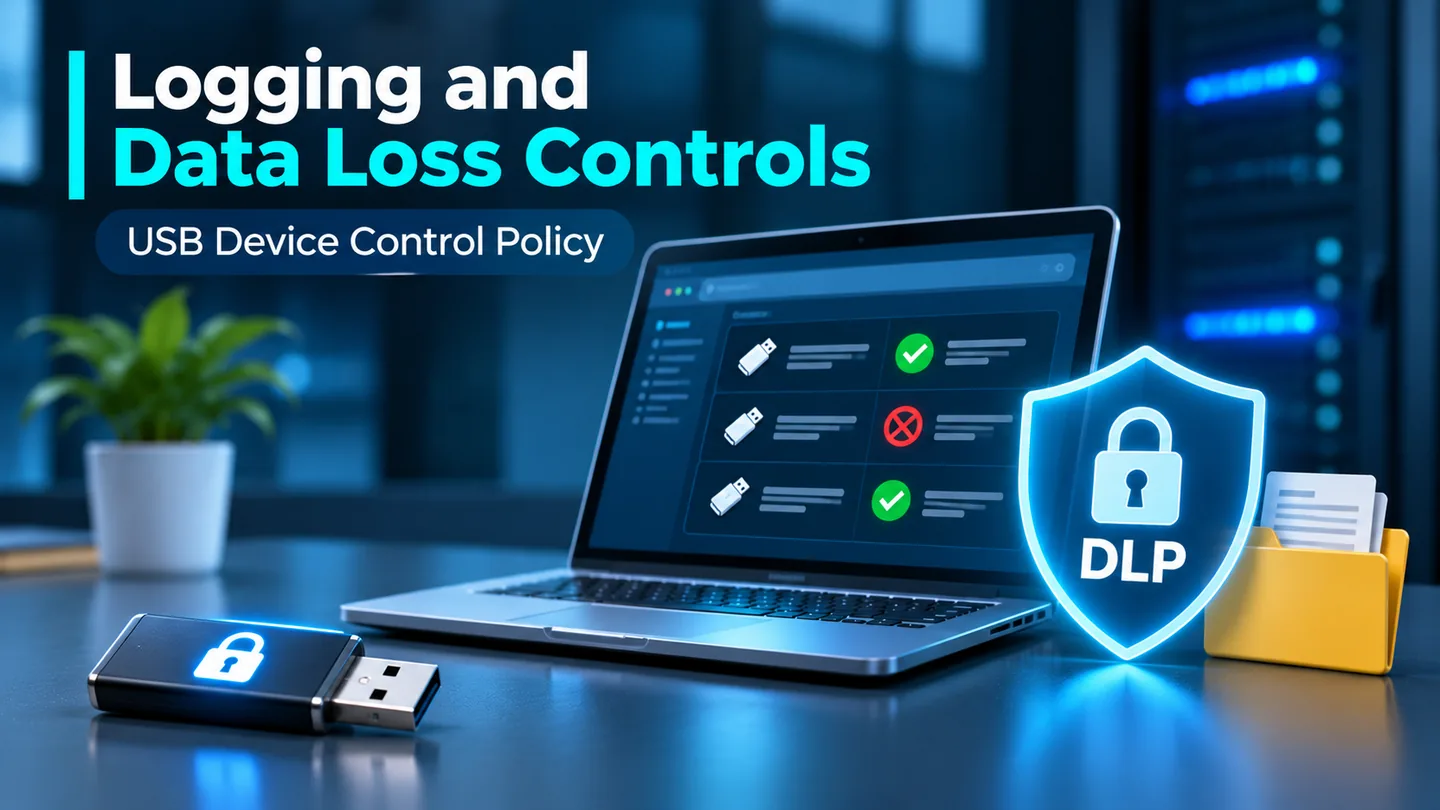
A USB Device Control Policy gets a lot more effective when you actually track removable media activity. Here are the key events worth monitoring where supported:
- Device connections
- Blocked devices
- Read permissions granted
- Blocked write attempts
- Device identifiers
- Endpoint names
- Usernames
- Timestamps
- Applied policies
This logging completely shifts how you handle security. Without logs, you’re left guessing:
“Someone may have used a USB drive.”
With detailed logs, you may be able to establish what happened:
“User X plugged device Y into workstation Z at 2:32 PM and tried to copy files, but the system blocked it.”
That level of clarity makes all the difference when investigating an incident. It’s also important to tie device management into your broader data loss prevention plan.
Blocking unknown USB drives helps close one common way data leaks out. However, employees could still try to share data using other channels:
- Email attachments
- Personal cloud accounts
- Messaging apps
- Web uploads
- Printing physical copies
Because of this, a USB Device Control Policy should always sit within a comprehensive data protection strategy. Encryption should also be considered where authorised removable media contains sensitive information. NIST’s storage-encryption guidance specifically includes removable media as a use case for protecting information against unauthorised disclosure.
For high-security tasks, organizations should insist on using encrypted company USB drives instead of standard flash drives.
Deployment Without Disrupting Work
If you want people to hate a new security rule right out of the gate, just roll it out without taking the time to understand how they actually work. Whatever you do, don’t just wake up on Monday morning and block every single USB drive across the entire company.
Instead, focus on getting visibility first. Use your endpoint management tools to figure out:
- Who currently uses removable storage
- Which departments use it most
- Which device types appear
- Which users have legitimate requirements
Once you have that picture, break down how people are using them:
Necessary
Convenient but replaceable
Unapproved
Unknown
After that, you can start testing your USB Device Control Policy through pilot deployments. A smart initial rollout might start with:
- One department
- A small group of users
- Several common device scenarios
- Support-team participation
Whenever possible, run the policy in monitoring mode at first. That lets you see what would get blocked before it actually happens. You’ll probably uncover critical business processes that no one ever put on paper. For example, a finance team may receive monthly files on encrypted media from an external partner. Blocking USB without understanding that workflow would create disruption rather than security.
K7’s centralized, group-based endpoint administration allows device policies to be assigned differently across endpoint groups instead of applying one global rule to everyone. That is usually the better approach. Security policy should match business roles.
Measuring Compliance and Handling Incidents
At the end of the day, any good USB Device Control Policy should show clear, tangible results. Here are a few key metrics worth keeping an eye on:
- Number of blocked removable devices
- Number of approved devices
- Number of exception requests
- Number of write attempts
- Number of unknown devices
- Departments with repeated exceptions
- Temporary approvals that expired correctly
Keep in mind, the goal isn’t just to rack up as many blocked attempts as possible. The real objective is simply cutting down on unmanaged flash drive usage.
If you notice hundreds of routine, legitimate tasks getting blocked every single day, it’s probably time to tweak your rules. Your incident response plan also needs to lay out clear steps for whenever suspicious USB activity pops up. Here is a quick workflow you can follow:
- Identify the endpoint.
- Identify the user.
- Record the device identifier.
- Isolate the endpoint if malware is suspected.
- Scan the removable device in an approved, isolated environment, preserving evidence as needed.
- Review files copied to or from the device where telemetry is available.
- Check whether sensitive data was involved.
- Review endpoint-security telemetry.
- Revoke device approval if necessary.
- Document the incident.
If malware shows up, don’t just yank out the flash drive and call it a day. There is a good chance the machine itself has already been compromised.
NIST’s September 2025 guidance on removable media in OT environments highlights how easily infected flash drives can introduce malware into a network, strongly recommending both technical and practical safeguards to keep that risk under control.
Policy Checklist and Sample Rules
When building out a practical USB Device Control Policy, here are the main safeguards you’ll want to include:
1. Default position
Block any unapproved or unrecognized removable drives right out of the gate.
2. Approved devices
Only company-issued or specifically authorised storage devices may be used.
3. Device identification
Keep clear track of authorized media using device-specific identifiers where available, hardware inventories or assigned owners.
4. Read/write rules
Access level should depend on user role and business requirement.
5. Sensitive departments
Turn off USB storage access entirely for high-risk teams or sensitive units.
6. Temporary access
Exceptions should include an owner, reason and expiration time.
7. Contractor use
Require external vendors and contractors to get their devices approved before plugging anything in.
8. Malware scanning
Run mandatory scans on all approved drives according to your endpoint security rules.
9. Encryption
Require approved encrypted storage whenever anyone handles sensitive corporate data.
10. Execution control
Running applications directly from removable media should be restricted where possible.
11. Logging
Connection, block and write events should be recorded where supported.
12. Incident escalation
Set up a straightforward review path whenever unexpected or suspicious USB activity occurs.
Here is a quick look at how those policy rules might play out in practice:
General Users
USB storage: Blocked
Keyboard/Mouse: Allowed
Design Team
Approved USB storage: Read/Write
Unknown USB storage: Blocked
Finance
USB storage: Blocked
IT Support
Approved corporate storage: Read/Write
Unknown storage: Blocked
Temporary exceptions: Approval required
K7 Endpoint Security delivers the technical framework to enforce this approach, featuring centralized management, device category and class blocking and flexible read/write permissions.
For businesses in Dubai and across the GCC, working with a K7 Cybersecurity Distributor like D3 helps make a USB Device Control Policy part of a complete endpoint defense strategy. K7’s cybersecurity suite brings together endpoint protection, app management and USB regulation, allowing organizations to enforce media policies right alongside their ransomware and malware defenses.
Ultimately, the goal isn’t simply to block flash drives for the sake of security. It’s about giving your IT team a clear, dependable way to answer:
Which external devices can we trust, who gets to use them and what are they allowed to do with them?
Take time to understand who currently uses removable drives and their legitimate business requirements.
From there, establish rules based on actual operational needs and security risks.
Remember, an effective USB Device Control Policy doesn’t necessarily mean telling your team:
“Nobody is allowed to use flash drives, ever.”
Instead, the guiding principle should be:
“Only authorized users can access approved devices with the minimum permissions necessary, while IT monitors relevant activity wherever technically supported.”