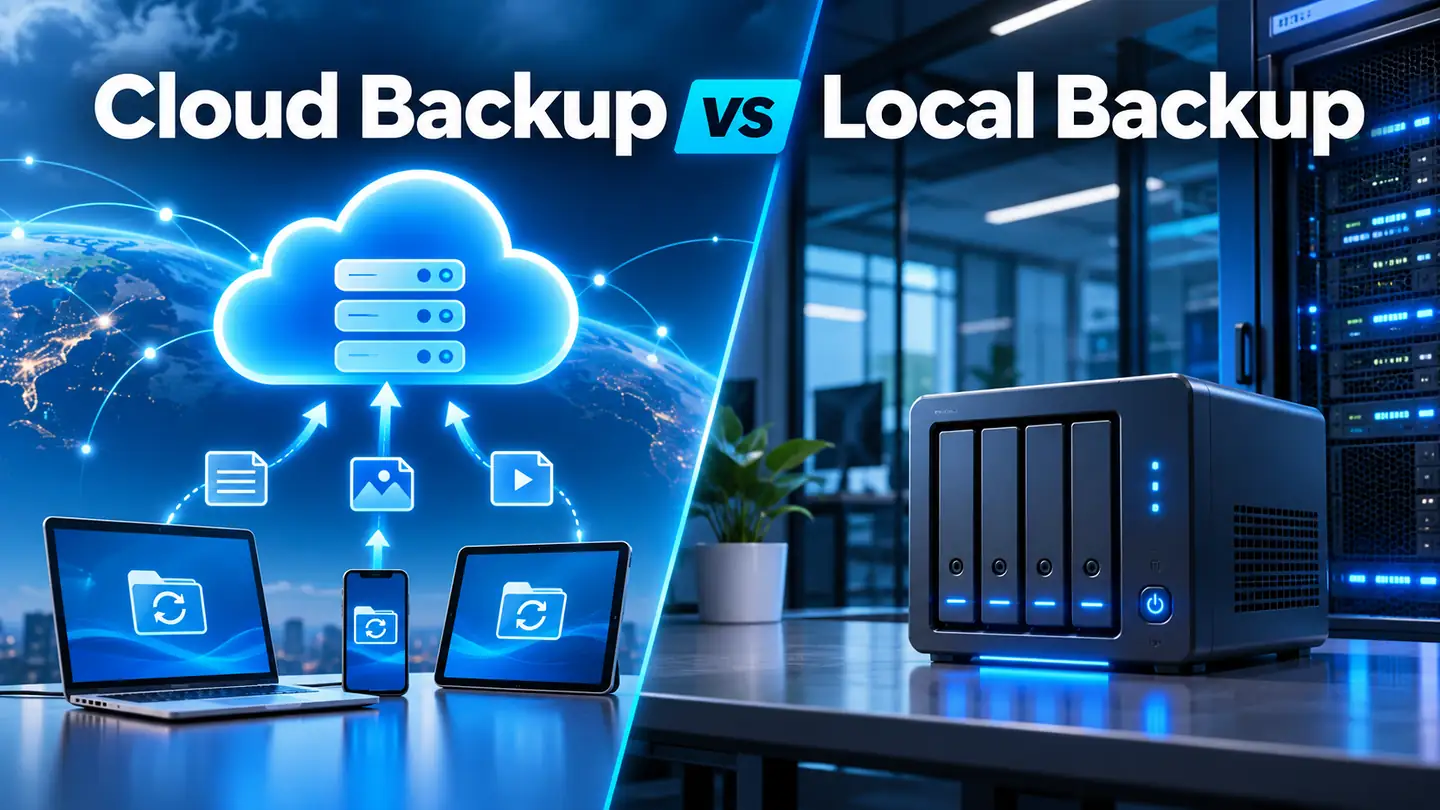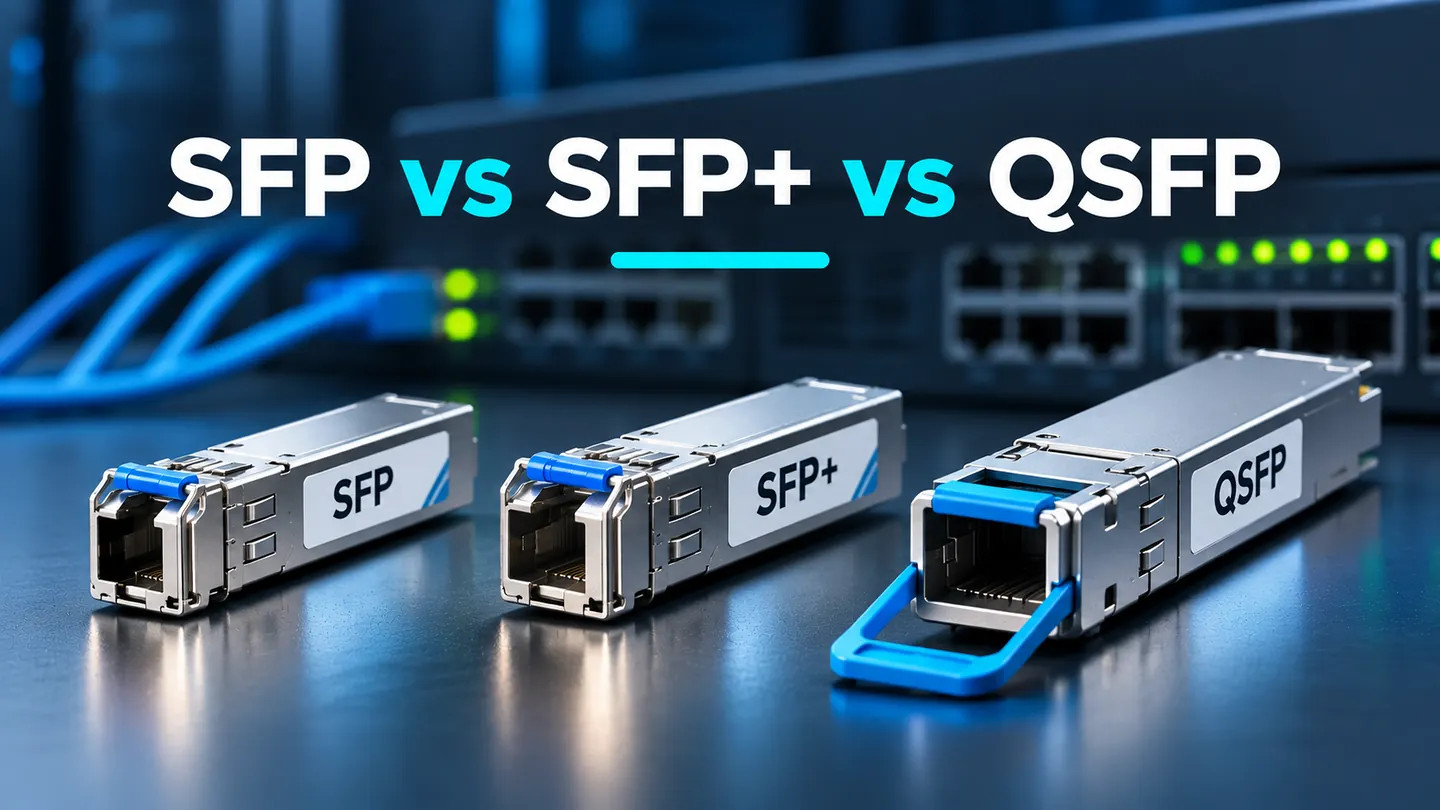
Even if a switch has plenty of ports, picking the wrong transceiver means your connection simply won’t work. A module might fit into the slot just fine, but run at the wrong speed. You might have incompatible fiber connectors or mismatching wavelengths on either end. For instance, one 40G QSFP+ link might need MPO cabling, while another uses standard duplex LC over single-mode fiber.
That’s why understanding SFP vs SFP+ vs QSFP is about much more than technical labels.
Transceivers are the compact modules that plug switches, routers, servers and storage gear into fiber or copper cables. They dictate how fast your network runs, which cables you need, how far your signals reach and which plugs to use. Because of this, picking the right transceiver is a foundational step when designing enterprise networks.
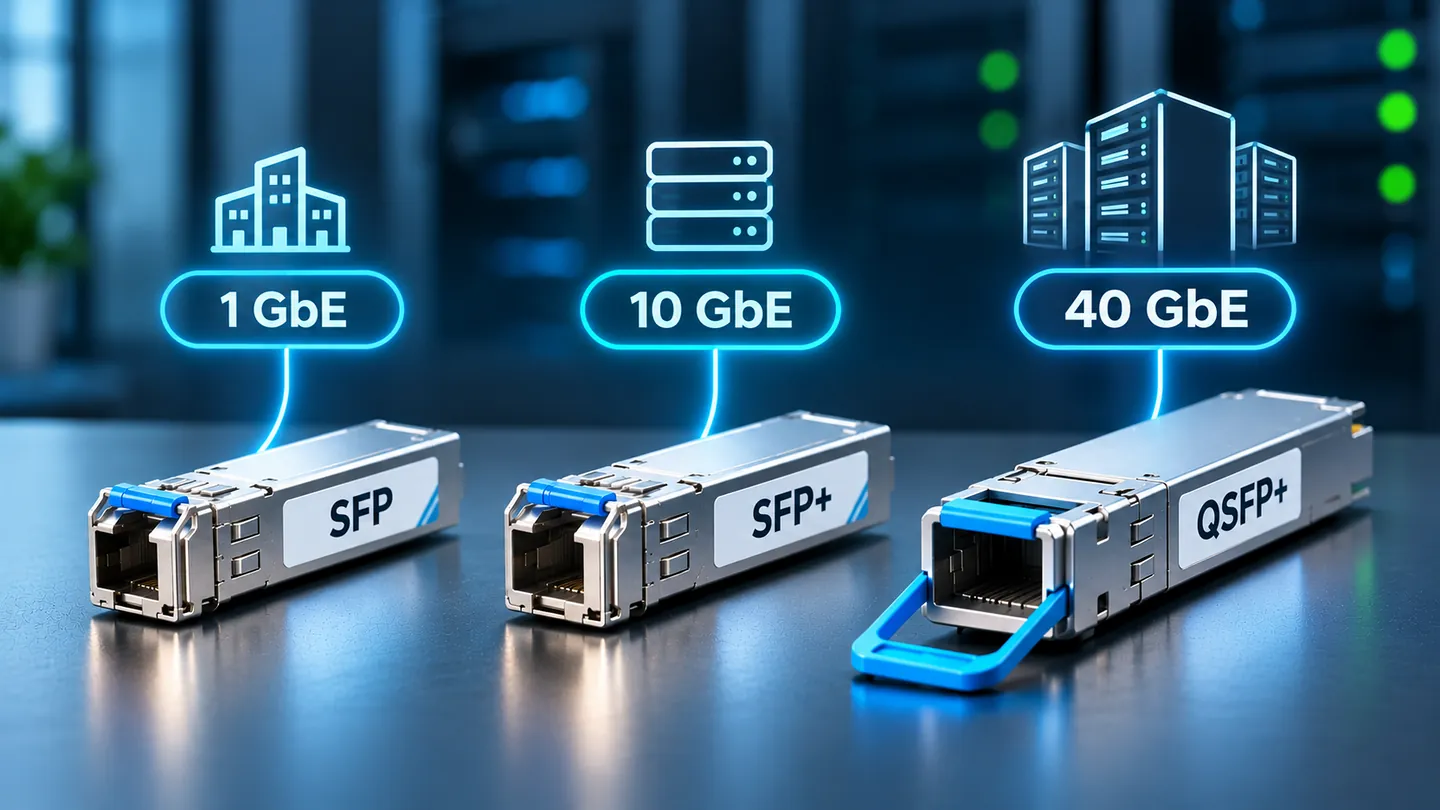
For instance, a branch switch might rely on 1GbE SFP uplinks, while campus distribution switches use 10GbE SFP+ and data center core switches require high-speed 40G, 100G or faster QSFP modules. Ultimately, making the right choice boils down to four key factors:
your port type, target speed, fiber cable type and required distance.
What Is a Network Transceiver?
Think of a network transceiver as a translator. It takes electrical signals from inside your device and turns them into a format that can actually travel across your cable. When it comes to fiber optics, that usually means converting electrical data into laser light to send down the line and then translating incoming light back into electrical signals on the other end.
According to H3C’s installation guide, these modules bridge electrical data and optical signals, with different models tailored to specific speeds, distances and cabling media. They cover a wide lineup of standards, including SFP, SFP+, SFP28, QSFP+, QSFP28 and QSFP-DD. That is why an open slot on your switch is really just a blank slate it does not define how the connection will behave on its own.
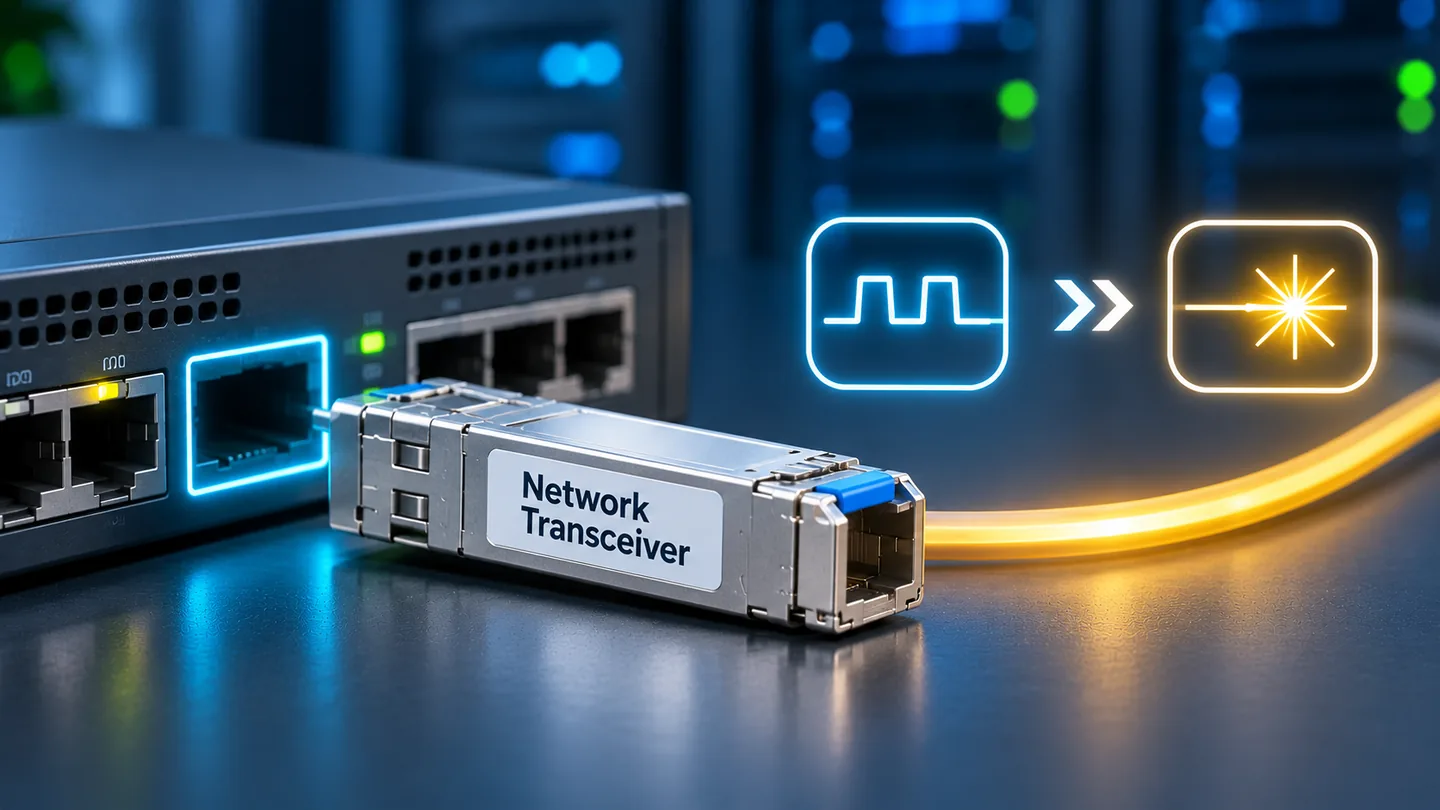
In SFP vs SFP+ vs QSFP planning, the transceiver inserted into that slot determines important characteristics such as:
Ethernet speed
Fiber or copper medium
Wavelength
Connector type
Supported reach
Number of optical lanes
A switch may therefore have modular uplink ports that can be adapted for several different network designs by selecting the appropriate optic. That flexibility is valuable, but it also creates room for mistakes. The transceiver has to match both the switch and the link on the other side.
SFP, SFP+ and QSFP Families Compared
For SFP vs SFP+ vs QSFP, the easiest way to make sense of all these module families is to think about the speeds they typically handle day-to-day.
| Module Family | Typical Ethernet Use | Common Role |
|---|---|---|
| SFP | 1GbE, sometimes other lower rates | Access and legacy uplinks |
| SFP+ | 10GbE | Enterprise uplinks, servers, storage |
| SFP28 | 25GbE | Modern data centre/server links |
| QSFP+ | 40GbE | Aggregation and core |
| QSFP28 | 100GbE | Data centre/core |
| QSFP-DD | 200G/400G and higher depending on implementation | High-capacity modern infrastructure |
In SFP vs SFP+ vs QSFP comparisons, these names aren’t just marketing jargon—they actually tell you how the module is built.
SFP stands for Small Form-factor Pluggable.
SFP+ keeps that same compact size but steps up to handle higher data rates, most commonly 10 Gigabit Ethernet.
QSFP stands for Quad Small Form-factor Pluggable. The “quad” part refers to its multi-lane design, which packs four separate data channels into a single module.
If you look at H3C’s current transceiver documentation, you’ll see just how wide this lineup has grown. It ranges from standard SFP, SFP+ and SFP28 to QSFP+, QSFP28 and high-density QSFP-DD, alongside matching copper and active optical cables.
One important practical point is that similar-looking modules are not necessarily interchangeable. An SFP+ module should not automatically be inserted into any SFP slot just because the physical dimensions look similar.
Some switch ports offer backward compatibility with older standards. Others do not. Always check the exact switch’s hardware guide and transceiver compatibility matrix before purchasing optics.
Port Speeds and Common Use Cases
In SFP vs SFP+ vs QSFP planning, different transceiver families usually pop up at specific layers of your network setup.
SFP
SFP is widely used for Gigabit Ethernet. Typical scenarios include:
Access switch uplinks
Branch connectivity
Low-bandwidth fiber connections
Management or legacy infrastructure
A 1GbE SFP link might be all you need for a small branch office handling modest internet and internal traffic. There’s no point in shelling out for 10G optics just because they’re newer if your network doesn’t actually need that kind of bandwidth.
SFP+
SFP+ is one of the most common enterprise uplink formats. It is typically associated with 10GbE.
Common uses include:
Access-to-distribution uplinks
Server connections
Storage connections
Firewall uplinks
Inter-switch links
For most enterprise setups, 10GbE hits that sweet spot between affordable cost and solid performance.
QSFP+
QSFP+ is strongly associated with 40GbE.
Because it uses multiple data lanes, you can actually split certain QSFP+ ports into several lower-speed links. For instance, you can configure a single 40G QSFP+ interface to break out into four separate 10G SFP+ links, assuming your switch, module and cabling support it. H3C’s QSFP+ hardware specifications detail how this breakout setup works in practice.
That can be useful in data centres. One 40G switch port can connect to four individual 10G server or switch interfaces.
QSFP28 and Beyond
As enterprise networks upgrade to 100GbE, QSFP28 modules are fast becoming the new standard. Higher-capacity networks will eventually push into QSFP-DD and other multi-lane formats to reach hundreds of gigabits per second.
At the end of the day, the core principle of SFP vs SFP+ vs QSFP selection stays the same. Pick your transceiver based on what your network actually needs—not just the highest speed your switch happens to support.
Fiber Types and Connector Choices
When comparing SFP vs SFP+ vs QSFP, just knowing the transceiver family won’t tell you everything about the cabling you’ll need. For instance, two SFP+ modules might both deliver 10GbE speeds, yet require completely different types of fiber.
A standard short-range optic typically pairs:
850 nm + multimode fiber + duplex LC
A long-reach optic may use:
1310 nm + single-mode fiber + duplex LC
Even though the data rate is exactly the same,
the underlying physical setup couldn’t be more different. Once you jump up to 40GbE, connector differences get even more noticeable.
Take H3C’s current lineup: their 40G QSFP+ SR4 optic uses an MPO connector over multimode fiber, whereas their 40G LR4 WDM optic relies on LC connectors over single-mode fiber. H3C’s QSFP+ transceiver table clearly breaks down how both options exist under the exact same 40G speed tier.
That’s why procurement should never simply order
“40G fiber module”
without specifying the rest of the details. A complete tech spec needs to outline:
Module type
Data rate
Wavelength
Fiber type
Connector
Reach
To put that into perspective, specifying
QSFP+ 40GBASE-SR4, 850 nm, multimode, MPO, 150 m on OM4
is a real engineering specification. “40G QSFP” is not enough.
Reach, Optics and Link Budgets
For SFP vs SFP+ vs QSFP selection, coverage distance is easily one of the most critical factors to keep in mind. Short-range multimode optics will usually cap out around 100 to 300 meters, which works fine for local connections. If you need to bridge long distances, single-mode long-reach modules can stretch for kilometers.
For example, H3C lists one current 2.5G SFP single-mode optic at 1310 nm with a 10 km reach. The same hardware documentation separately lists SFP+ ports and their supported transceiver families. H3C’s current S5130S hardware specifications illustrate why the exact module matters as much as the port itself.
Distance alone, however, is not the whole story. Every optical link has a power budget. Light naturally degrades as it passes through various physical components, like:
- Fiber
- Connectors
- Splices
- Patch panels
- Other passive components
At the receiving end, the optic needs enough optical power left over to interpret the incoming data clearly. Because of this, a connection can fall well under its maximum rated distance and still drop offline if there’s too much insertion loss. That’s why it’s always best practice to test new fiber runs thoroughly rather than just assuming everything is fine when the link light turns green. For longer or mission-critical spans, engineering teams should measure actual insertion loss against the transceiver’s optical budget to ensure there’s a healthy operating cushion.
Vendor Compatibility and Supported Optics
Honestly, this is where a ton of SFP vs SFP+ vs QSFP buying mistakes happen. Even if a transceiver hits every single Ethernet spec on paper, your switch vendor might still turn its nose up at it. That’s exactly why switch makers release compatibility matrices. Tiny details like EEPROM coding, firmware quirks, physical signaling or underlying hardware support can make or break whether a module actually works.
H3C explicitly states that the transceivers and network cables supported vary by device model and recommends checking the product’s installation documentation or current compatibility information before deployment.
This becomes especially tricky if you’re eyeing third-party optics. Sure, some switches will accept off-brand modules without a hitch.
Others will throw annoying warnings in your logs. You might find that basic traffic passes fine, but diagnostic monitoring data stops showing up.
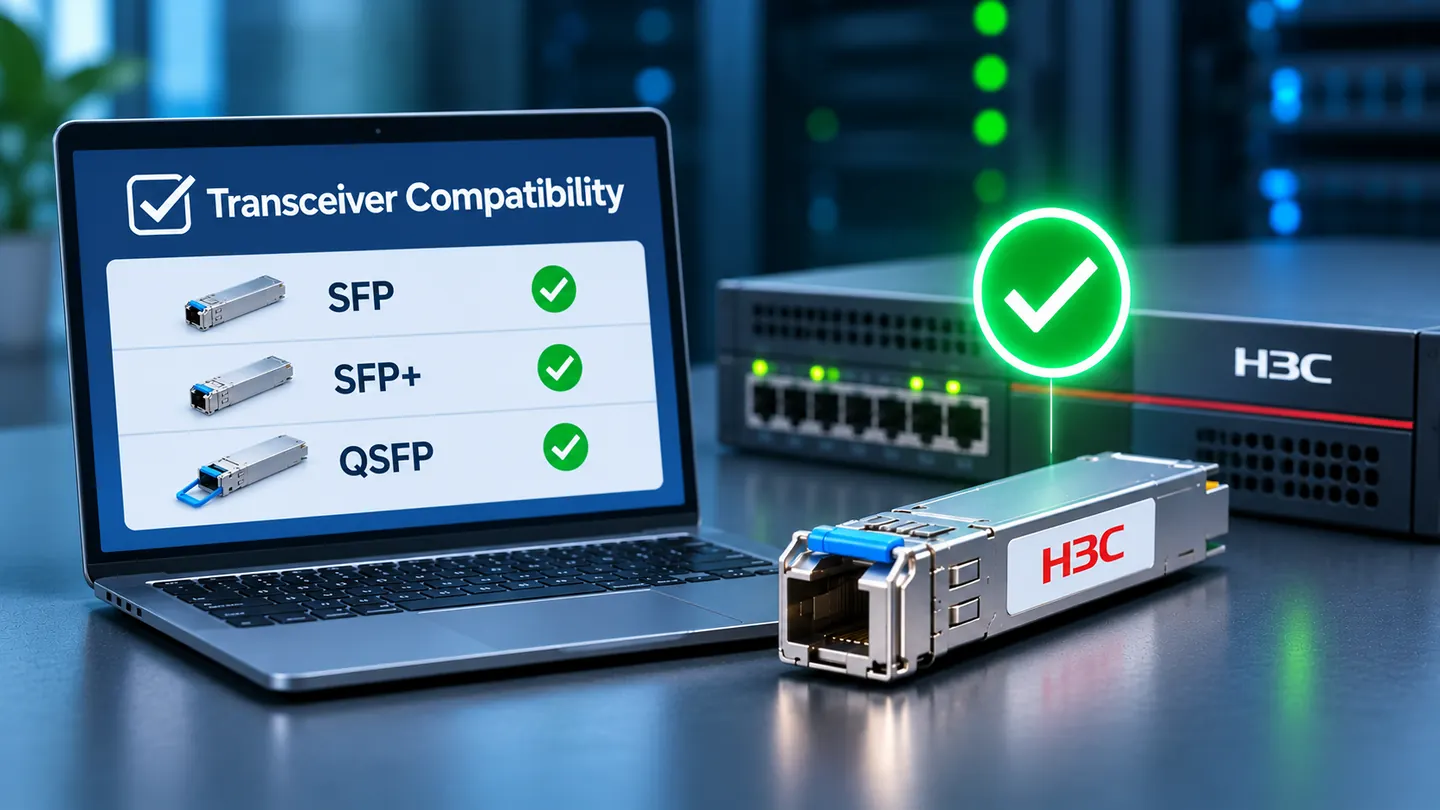
And worst of all, using unapproved modules can get pretty awkward when you need support or have to call in a warranty. If you want to save yourself some headaches in enterprise environments, stick to this flow:
Check your switch model → find the supported port → pick an approved module → buy the right cable
Try to avoid doing it backward:
Buy an optic first → cross your fingers that the switch likes it
Also, don’t forget to check compatibility on both ends of the run.
If one end uses a 1310 nm single-mode LR optic and the other side is running an 850 nm SR module, the link will fail instantly even though both are technically running at 10GbE. At the end of the day, both optics need matching optical specs to talk to each other.
Common Buying and Installation Errors
When it comes to SFP vs SFP+ vs QSFP projects, a few common mistakes tend to trip people up time and time again.
Buying the Right Speed but Wrong Fiber
A company orders 10G SFP+ modules. The modules arrive. Then the installer discovers they are multimode optics while the installed backbone is single-mode. The module speed is correct. The module speed might be spot-on, but the whole setup is still dead in the water.
Mixing Wavelengths
Even if both devices feature SFP+ ports, they won’t talk to each other if one optic operates at 850 nm while the other is set to 1310 nm.
Ignoring Connector Type
A QSFP+ SR4 optic might call for an MPO connector, but if your patch panel is built for duplex LC, you’ll suddenly find yourself needing conversion gear or entirely new optics.
Assuming a Physical Fit Means Compatibility
Just because SFP and SFP+ modules share a similar shape doesn’t mean your switch port will automatically support both operating modes.
Overlooking Distance Limits
Plugging a short-reach optic into a long backbone run will likely leave you with an unstable or completely dead connection.
Forgetting Breakout Requirements
A QSFP+ port may support four 10G connections only on specific switch models, ports, firmware versions and cable configurations. Do not assume breakout support.
Dirty Fiber Connectors
Even with the perfect optic and cable match, dirty connector end faces can ruin performance. Make it a rule to inspect and clean every connection first.
Rough Handling of Optics
H3C advises against touching electrical contacts, keeping dust caps on until the last moment and carefully aligning modules to avoid physical damage. Their guide installation instructions also reminds installers that active optical ports emit invisible laser light. These might seem like minor details, but across dozens of server racks, they quickly compound into major operational headaches.
Transceiver Selection Table
Here is a quick SFP vs SFP+ vs QSFP cheat sheet to help simplify your decision:
| Requirement | Typical Module | Common Medium | Common Connector |
|---|---|---|---|
| 1GbE short fiber uplink | SFP SX | Multimode | LC |
| 1GbE long-distance uplink | SFP LX | Single-mode | LC |
| 10GbE short reach | SFP+ SR | Multimode | LC |
| 10GbE longer reach | SFP+ LR | Single-mode | LC |
| 25GbE server link | SFP28 | MMF or SMF depending on optic | Usually LC |
| 40GbE short reach | QSFP+ SR4 | Multimode | MPO |
| 40GbE long reach | QSFP+ LR4 | Single-mode | LC |
| 100GbE | QSFP28 | Depends on optic | LC or MPO |
| 200/400GbE class | QSFP-DD | Architecture dependent | Varies |
Keep in mind, this is just a general starting point.
You will always want to double-check that your specific switch and module are compatible.
In enterprise networking, working with an H3C Distributor like D3 across Dubai and the GCC means treating switches, uplink speeds, optics and cabling as a complete system rather than isolated parts. Your switch port, transceiver and cable should always be planned together from day one.
The takeaway from SFP vs SFP+ vs QSFP is simple:
Never select a transceiver just because it physically fits into the slot. Pick it because its speed, wavelength, cabling, connector type, reach and switch compatibility align with your overall network setup.