

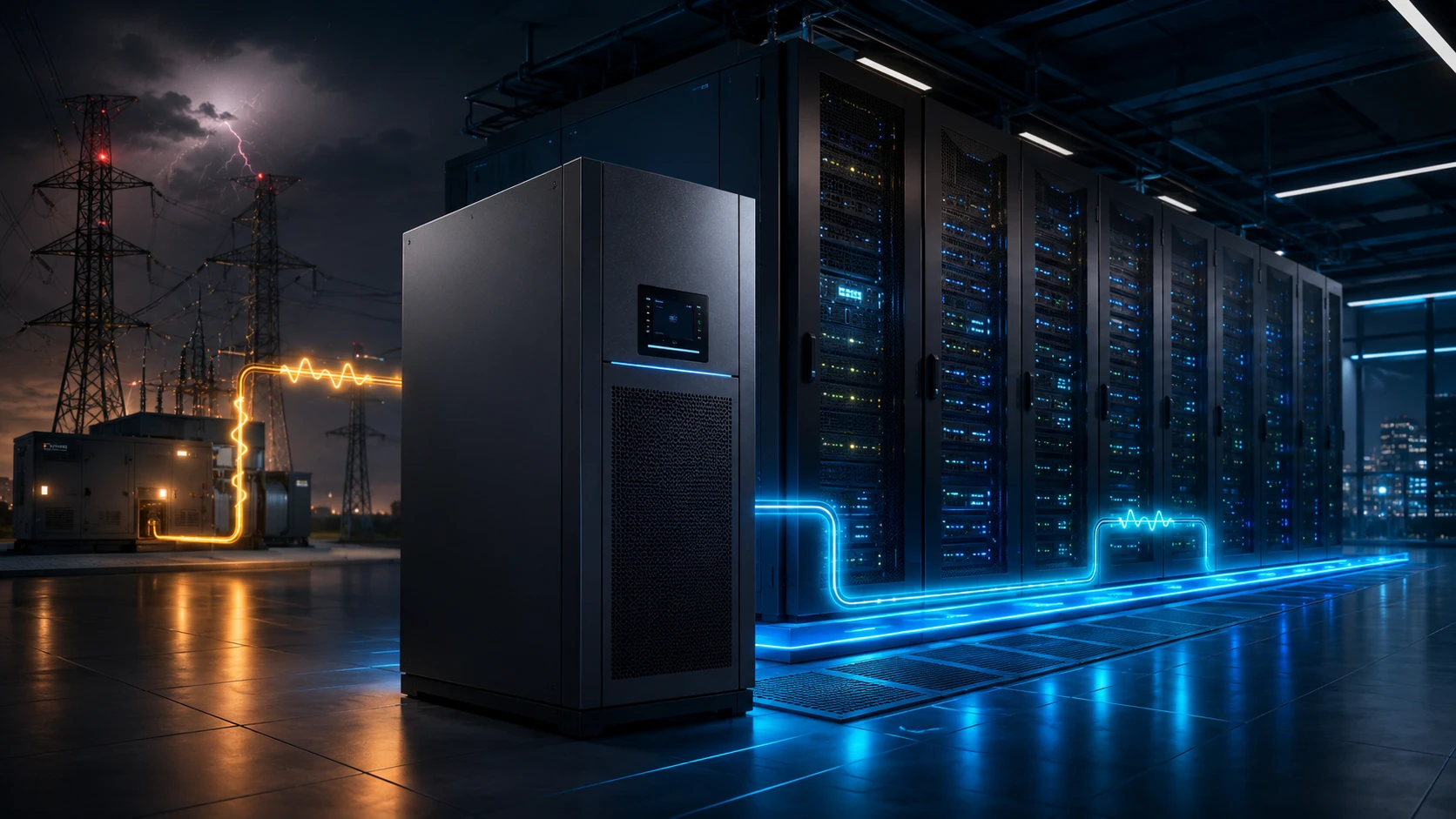
A properly selected UPS protects equipment from more than complete blackouts. It can also address voltage fluctuations, short interruptions, electrical noise and other power quality problems. It provides enough controlled time to keep systems running until a generator starts, or to shut them down safely when an outage continues.
For businesses across the GCC, service availability is the lifeblood of operations, from finance and healthcare to retail and logistics. The question isn’t whether your utility power is usually okay; it’s what happens during that one unexpected surge that hits your most sensitive equipment at the worst possible moment.
What Is a UPS System?
A UPS, or uninterruptible power supply, is positioned between the electrical supply and the equipment it protects. Under normal conditions, it supplies or conditions incoming power while charging a battery system. When the input fails or moves outside acceptable limits, the UPS uses stored energy to continue supplying the connected load.
That switch gives your IT team something they desperately need during a crisis: time.
Depending on the design and battery configuration, that time may bridge a short interruption, support the load until a generator stabilizes, or allow an orderly shutdown.
NIST contingency planning guidance identifies appropriately sized UPS systems as a source of short-term backup power for information systems.
Why Data Centers and IT Infrastructure Need UPS Protection
Today’s IT infrastructure is built on precision. A server might look like a sturdy piece of metal, but the data inside is incredibly fragile. A storage array can handle a broken drive, but it can’t always recover from the power vanishing while it’s halfway through saving a file. Even if a switch reboots quickly, the downtime for every service connected to it can be massive.
The consequences extend beyond hardware. An outage can interrupt online services, payment processing, building access, customer support, communications and remote work. Even a brief disturbance may create a longer operational problem if systems do not recover in the correct order.
A UPS provides that necessary buffer. It’s not a replacement for a generator, but it makes the generator actually useful by preventing the initial “hard crash” that causes so much data corruption.
As the U.S. Department of Energy points out, high-quality data centers depend on this conditioned power to keep critical systems healthy.
Common Power Problems That Threaten IT Equipment
While a complete blackout is obvious, there are several “invisible” power problems that are just as dangerous:
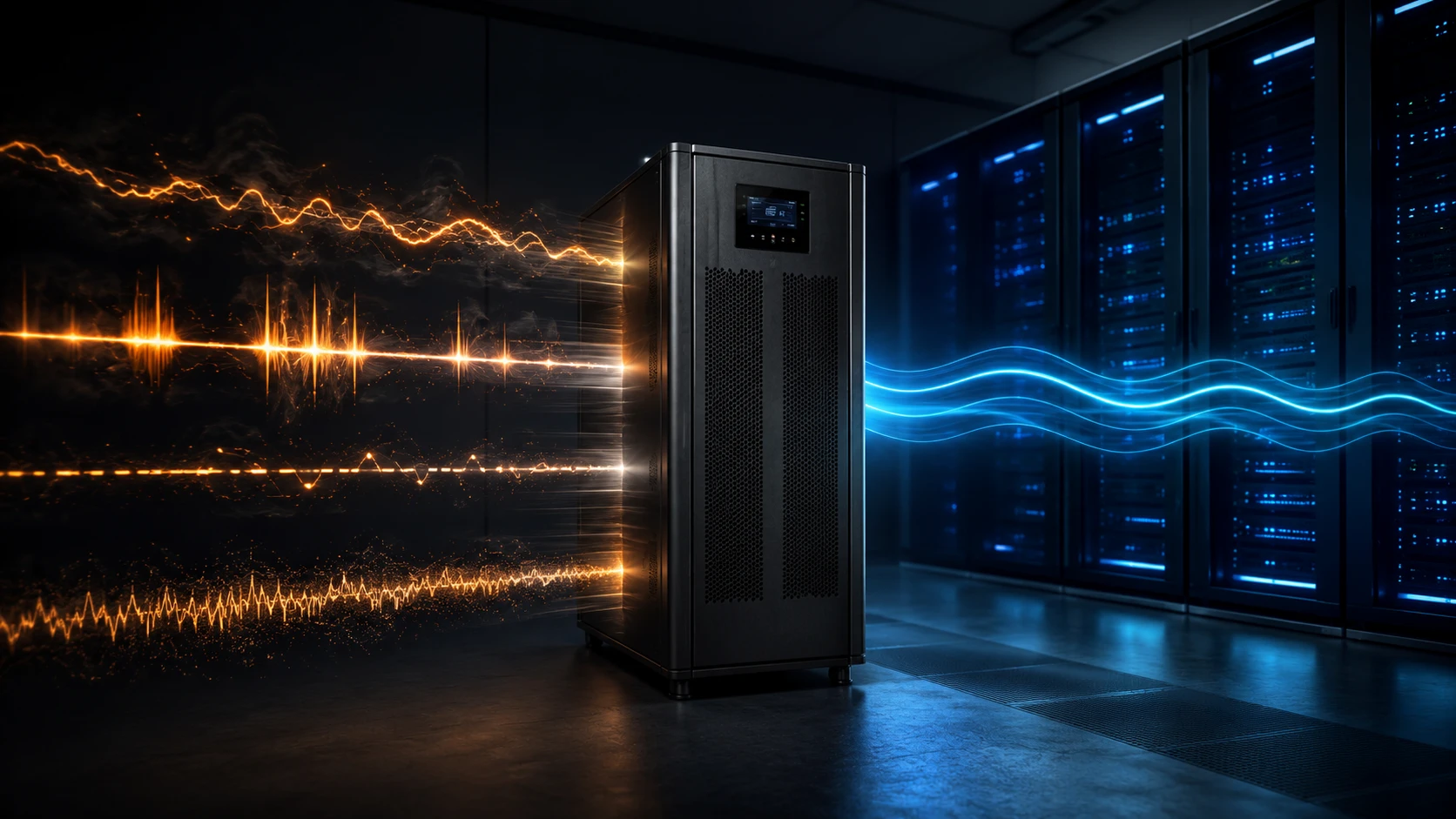
Voltage Sags
When the power level drops below normal, causing weird glitches or unexpected reboots.
Surges and Overvoltage
Too much power can “fry” components or significantly shorten their lifespan over time.
Micro-interruptions
Tiny blips that last less than a second but are still long enough to crash a sensitive server.
Noise and Frequency Shifts
Electrical “static” that causes instability in high-precision equipment.
Tecnoware builds their systems specifically to tackle this full range of threats, ensuring that what reaches your servers is always clean and steady.
How UPS Systems Prevent Downtime and Data Loss
A UPS helps in three practical ways.
- Seamless Continuity: During short blips, you won’t even notice the power went out. The UPS takes the hit so your users don’t have to.
- Power Conditioning: It acts like a filter, smoothing out unstable voltage and providing high-quality power to your hardware.
- Managed Recovery: If the outage is going to be a long one, the UPS software can automatically alert your team or start shutting down non-essential systems before the batteries run dry.
This distinction is important. The purpose of a UPS is not always to keep an organization running for several hours. In many environments, its most valuable role is protecting the first few minutes of an outage.
That small window is what allows your generators to ramp up or your applications to save their state and close down safely. Without it, you’re looking at a long and painful recovery process.
The true value isn’t just in the “minutes of battery”, it’s in what those minutes let your business accomplish.
UPS vs Generator vs Voltage Stabilizer
It’s easy to mix these up, but they each have a specific job:
A UPS responds immediately and supplies temporary battery power. It also provides varying levels of power conditioning.
A generator supports longer outages but needs time to start, reach stable output and accept the load. The UPS bridges that gap.
A voltage stabilizer corrects certain voltage fluctuations but does not normally provide battery runtime during a blackout.
A truly resilient setup usually uses all three. The stabilizer handles daily “dirty” power, the UPS protects against the initial outage, and the generator takes over for extended blackouts.
Choosing one as a substitute for the others leaves gaps. A generator alone cannot prevent the initial interruption. A stabilizer cannot keep a server running when power disappears. A UPS with limited batteries cannot support a long outage indefinitely.
The trick is making sure they all work together. You need to coordinate things like generator timing and UPS input settings to ensure the whole system is stable when you actually need it.
Main Types of UPS Systems
Generally, you’ll see three main levels of UPS technology:
- Standby UPS
Basic and affordable. It waits for a failure and then switches to battery. Great for home offices or non-critical gear where a tiny delay (milliseconds) doesn’t matter.
- Line-Interactive UPS
The “middle ground.” It adds voltage regulation so it can fix power issues without constantly draining the battery. Perfect for workstations and small network closets.
- Online Double-Conversion UPS
The “gold standard.” It is always converting power from AC to DC and back again, creating a perfectly clean output. There is zero delay when power fails. This is what you want for servers, data centers, and storage arrays.
Tecnoware’s current portfolio includes standby and line-interactive models, single-phase online systems, and three-phase online platforms extending into modular enterprise configurations.
The right choice depends on how much downtime you can stomach and the value of the data you’re protecting.
Online UPS vs Line-Interactive UPS
Don’t just look at the price tag, look at the risk. A line-interactive system is a fantastic, cost-effective choice for many offices. It handles the basics well. But for the core “brain” of your business, an online UPS is usually the better bet because it provides total isolation from any utility power weirdness.
A line-interactive UPS is efficient and cost-effective for many business applications. It regulates common voltage changes and switches to battery when incoming power fails. For office equipment, network closets and smaller installations, that may be enough.
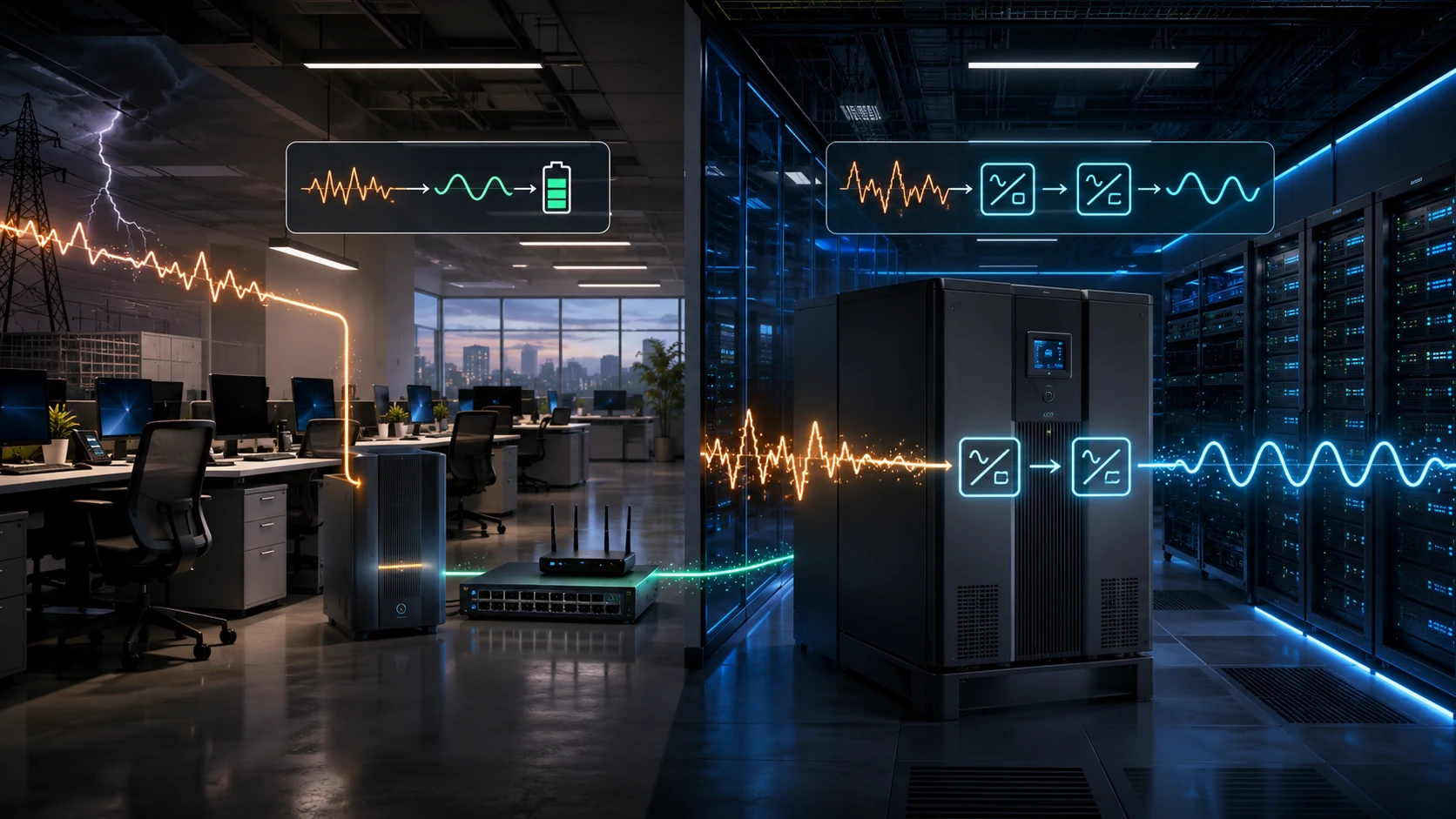
An online UPS offers stronger isolation and output consistency. Because the load is continuously supplied through double conversion, there is no normal transfer delay when utility power fails. It is better suited to equipment where even a brief disturbance could affect service availability or data integrity.
The practical question is simple:
What happens if this device restarts?
If it’s just one employee waiting for their PC to start, you’re probably fine with line-interactive. If a reboot means your entire customer portal or storage network goes offline, you need the protection of an online UPS.
The decision should also reflect the wider environment. A smaller server room supporting a critical application may need stronger protection than a larger office filled with non-critical workstations. Device quantity does not determine risk on its own. Business impact does.
How to Choose the Right UPS Capacity
Getting the right size is critical. UPS capacity is usually shown in VA (volt-amperes), while your gear might list consumption in Watts. You have to account for both to make sure the UPS can actually handle the load.
Start by making a thorough list of everything that needs power. Don’t just count the servers; remember the network switches, routers, external storage shelves, and any essential monitoring screens.
Then consider future growth, redundant power supplies, battery recharge requirements, environmental conditions and the desired operating margin.
A UPS should not operate permanently at its absolute limit. Spare capacity supports expansion and reduces overload risk during temporary peaks.
However, don’t go too crazy with oversizing. Buying a massive system you’ll never use wastes money, space and electricity. The goal is a realistic margin based on real-world data, not just a wild guess.
Sizing by guesswork creates a false sense of security. The correct model should be based on measured or manufacturer-specified loads, not simply the number of servers in the room.
UPS Runtime and Battery Backup Planning
Capacity is how much weight the UPS can lift; runtime is how long it can hold it up. If you have a generator, you might only need a few minutes. If you don’t, you need enough time for an orderly shutdown.
Capacity determines whether the UPS can support the load. Runtime determines how long it can support that load from batteries.
Where a generator starts automatically, the UPS may only need to bridge the startup and transfer period, with an additional safety margin. Where no generator is available, the battery must provide enough time for staff or software to shut down systems safely.
This should be a practical plan, not a theoretical one. If you say you need 15 minutes, you should know exactly which systems you’re shutting down first and exactly how long that process takes.
Always remember: as batteries age and loads change, your actual runtime will decrease. Plan for reality, not the “best-case” scenario on the box.
If the plan says systems will shut down after ten minutes, the team must know how the shutdown will begin, which applications must stop first and how long the complete process takes. A theoretical runtime figure is not useful if the business has never tested the procedure.
Runtime also decreases as the load increases, and batteries age. Planning should therefore use realistic load levels rather than ideal figures.
Longer runtime may require external battery cabinets, but more batteries also mean more space, cooling, inspection and replacement planning. Battery expansion should be treated as an infrastructure decision rather than an easy way to add minutes.
UPS Systems for Servers, Networks and Storage Equipment
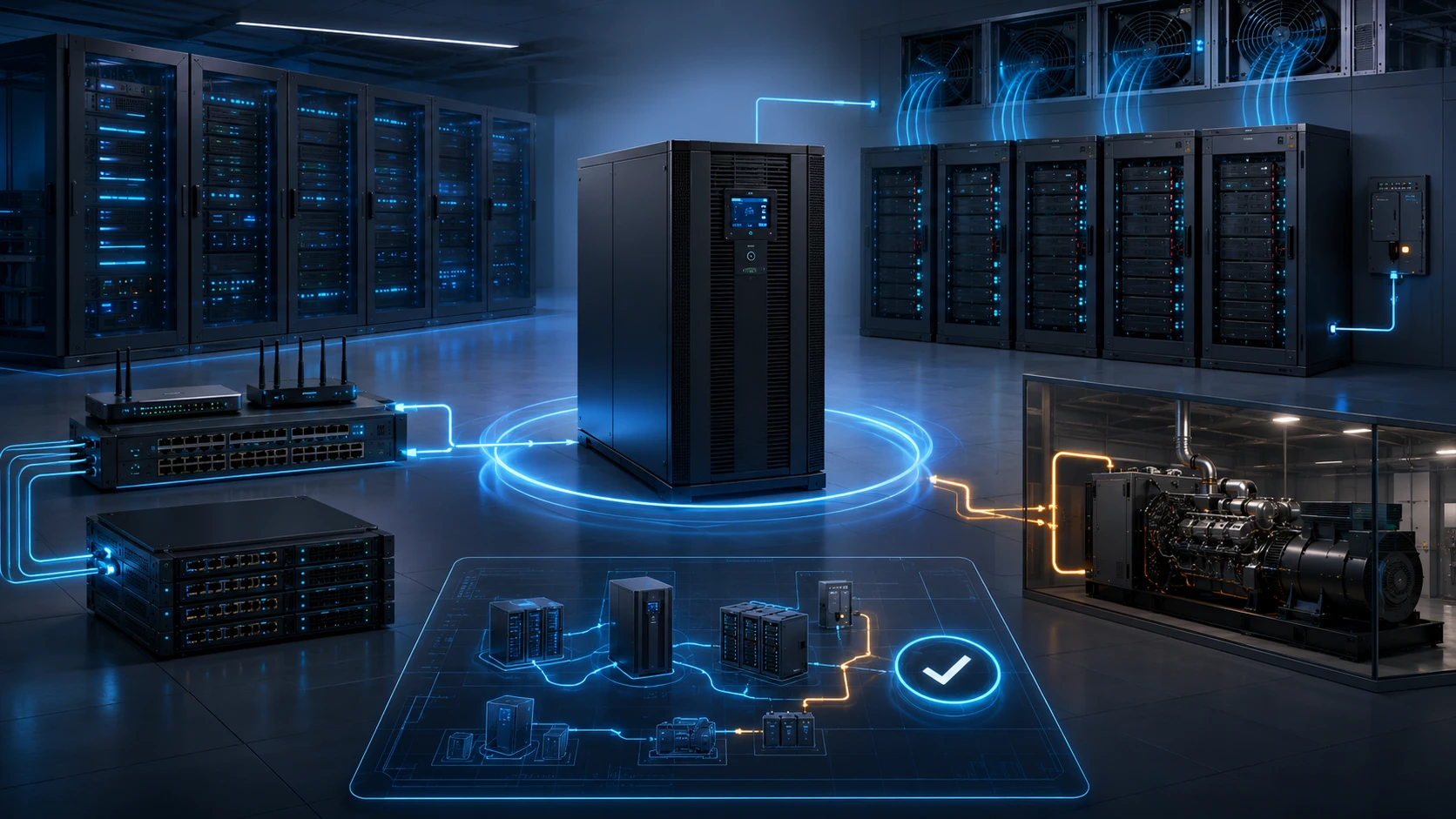
It’s a common trap to protect a big server but forget the small switch it depends on. If the server is on but the internet router is off, your users are still disconnected. A smart UPS design protects the entire “service path.”
Servers need clean power and enough runtime for application-aware shutdown. Switches, routers, firewalls and wireless controllers must remain available because users cannot reach services without them.
Storage systems need particular care because sudden interruption during data writes can affect consistency and recovery. The UPS design should protect the complete service path, not just the most visible server.
Keeping a server online while its switch, storage array or authentication platform has already lost power does not preserve the application. Similarly, protecting the internal network while the internet router or security gateway shuts down may still leave remote users disconnected.
Equipment should be grouped according to service dependencies and recovery priorities. Critical systems may require dedicated circuits, separate UPS protection or redundant power paths.
Rack-mounted online systems may suit individual racks or network rooms. Larger single or three-phase systems can protect several racks, server rooms or complete facilities. Tecnoware lists rack-tower online units for server and LAN use, along with three-phase and modular ranges recommended for data centers and industrial environments.
UPS Monitoring, Maintenance and Battery Replacement
A UPS is a living part of your infrastructure. Batteries wear out, fans get dusty and capacitors eventually need replacing. Just because it worked two years ago doesn’t mean it’s ready for today’s emergency.
Batteries deteriorate with age, temperature and discharge cycles. Fans, capacitors and other components also require inspection. A system that passed its test two years ago may not provide the same runtime today.
Monitoring should cover:
- Input and output conditions
- Current load level
- Battery status
- Estimated runtime
- Temperature
- Active alarms
- Bypass state
- Communication status
Network management through SNMP or supported software allows IT teams to receive alerts and coordinate automated shutdowns. Tecnoware’s enterprise online ranges support options including USB, RS232, SNMP and, on selected systems, MODBUS or dry-contact interfaces.
Monitoring only creates value when someone is responsible for responding. An alert about a weak battery does not protect the business if it remains unread for several weeks.
Maintenance should include visual checks, battery tests, alarm review, cleaning and documented replacement planning. The environment matters too: excessive heat can reduce battery service life and undermine expected runtime.
Replacement should be planned before batteries fail, not after the UPS can no longer support its load.
Common Mistakes When Choosing a UPS for IT Infrastructure
The biggest mistake is buying based on VA alone without checking power factors or topology. Another is “leaving the door open” by protecting your servers but forgetting the switches or internet gateways.
Another mistake is protecting servers but forgetting switches, storage, security appliances or internet equipment. A business service fails when any essential dependency loses power.
Other frequent errors include:
- Leaving no capacity for growth
- Assuming batteries will provide their original runtime forever
- Placing the UPS in a hot or poorly ventilated room
- Failing to test generator compatibility
- Ignoring bypass and maintenance requirements
Always build in capacity for growth, keep your UPS rooms cool, and test your shutdown procedures regularly. A UPS should be a core part of your design from day one, not an afterthought bought at the last minute.
Tecnoware UPS Use Cases for Business Continuity
Tecnoware provides the technology, from workstations to massive data centers, but D3 adds the expertise to make it work. As a regional distributor for the GCC, we help you figure out the messy details like load assessments, generator compatibility and expansion planning.
Line-interactive models can protect office workstations, smaller network installations and devices that need voltage regulation with short-term battery backup.
Single-phase online rack and tower systems suit servers, communications equipment and smaller data rooms where consistent output and immediate battery support are important.
Three-phase and modular online platforms address larger data centers, industrial processes and environments where capacity, resilience and expansion are central requirements. Tecnoware’s catalogue includes three-phase tower and rack systems as well as modular configurations for larger installations.
Selected Tecnoware online models include static bypass, generator compatibility, management interfaces and options for external batteries or parallel expansion. These capabilities allow the power architecture to match the organization’s load, runtime and continuity plan.
A regional office may need a rack-mounted UPS protecting its network and local servers. A retail environment may require continuity for transaction systems and communications. A logistics facility may need protection for networking, security and warehouse-management infrastructure. A larger enterprise data center may require three-phase or modular systems designed around redundancy and future growth.
D3 adds the practical layer around that technology.
As a regional IT distributor serving the GCC, D3 helps partners and customers assess loads, compare UPS topologies, plan runtime, consider generator interaction and select suitable Tecnoware configurations.
The value is not simply supplying a box with a battery. It is helping ensure that the protection matches the equipment, environment and business risk.
That includes asking the questions that are sometimes missed during procurement: Which applications are truly critical? How long must they remain online? Is there a generator? What happens when batteries require maintenance? How quickly will the environment grow?
When you have those answers, your UPS stops being an “extra” and starts being a core part of your success.
Final UPS Selection Checklist
Before you sign off on a new UPS, make sure you’ve checked these boxes:
- Every critical device and dependency is included in the load calculation.
- Capacity is based on both VA and usable watt output.
- The UPS topology matches the importance of the protected service.
- There is enough margin for peak demand and future growth.
- Runtime supports generator transfer or a controlled shutdown.
- Battery expansion, space, cooling and weight have been considered.
- Monitoring and alarm ownership are clearly defined.
- Bypass, maintenance and generator compatibility have been reviewed.
- Battery testing and replacement are included in the operating budget.
- A qualified partner has reviewed the design before purchase.
Power protection is easy to overlook because, on a normal day, it appears to do nothing. That is exactly the point.
A well-designed UPS works quietly in the background, filtering disturbances, carrying the load through interruptions and protecting the few minutes that can determine whether the business continues normally or begins an expensive recovery.
For data centers and critical IT infrastructure, those minutes are not a technical luxury.
They are part of business continuity.


