Every single one of those devices is what we call an “endpoint.” That’s where endpoint security comes in. It’s much more than just an antivirus app; it’s a team effort to spot strange behavior and stop threats before they turn into a major crisis for your company.
For businesses in the GCC, this is especially vital as you expand and embrace the cloud. The big question isn’t if you’re large enough to need protection, it’s whether you can afford to stay exposed.
What Is Endpoint Security?
Endpoint security is the technology, policy and operational process used to protect devices that connect to a company’s systems, applications and data.
An endpoint protection platform may include antivirus, anti-malware, firewall controls, intrusion prevention and other safeguards installed on end user devices. NIST describes an endpoint protection platform as a collection of software based safeguards used to protect machines such as workstations and laptops against attack.
In practice, modern endpoint security goes considerably further.

A business grade solution should be able to identify known malware, detect unusual activity, block dangerous websites, protect users from phishing attempts, control device access and report security events to a central management console.
This central visibility is important because IT teams cannot realistically manage every computer individually.
Imagine a company with 300 employees working across Dubai, Riyadh, Doha and remote locations. Updating policies manually on each laptop would be slow, inconsistent and difficult to audit.
A centrally managed endpoint security solution allows IT administrators to apply protection policies, monitor device status and respond to threats across the organisation from one place.
Endpoint security also fits into a “zero-trust” mindset. This just means we don’t assume a device is safe just because it’s logged in before. We check to make sure the device is “healthy”. It means it has the latest updates and follows your security rules, before letting it into your sensitive files.
A solid security plan helps you:
- Prevent common threats before they execute
- Detect suspicious activity that bypasses initial controls
- Protect devices inside and outside the office
- Apply consistent policies across the organization
- Give IT teams visibility into device health
- Isolate compromised endpoints
The goal isn’t to make your business a fortress that no one can ever touch, no one can promise that. The real goal is to make it so difficult for attackers that they give up and to make sure that if something does go wrong, the impact is as small as possible.
What Devices Count as Endpoints?
The word “endpoint” is often used as if it only refers to employee laptops. That definition is too narrow for a modern business.
An endpoint is generally any device that connects to the organization’s network, applications, cloud services or information. Some endpoints are used directly by employees. Others perform background functions that are essential to business operations.
The first step in building effective endpoint protection is therefore understanding what is actually connected.
Laptops and Desktops
These are the most common targets because they’re where most of our work happens. We download files, join meetings and click links all day long.
Each of these actions is necessary for work, but they also create tiny openings for risk.
A good security tool works quietly in the background without slowing you down. If your security software makes your computer crawl, you’ll probably want to turn it off. Great security is powerful but stays out of your way so you can stay productive.
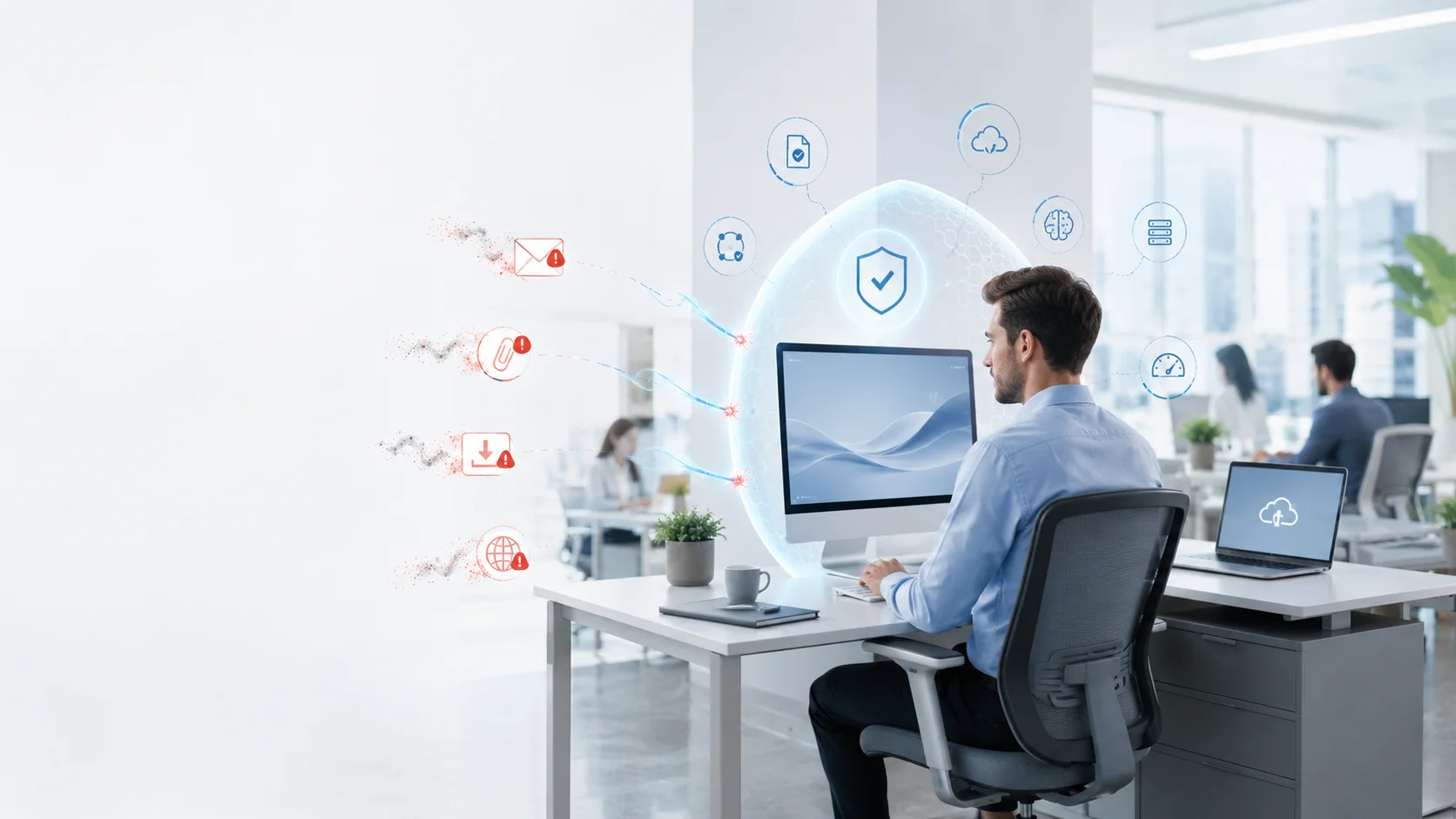
When security software repeatedly interrupts normal work or consumes too many device resources, users begin looking for shortcuts. They may postpone scans, ignore warnings or ask for protection features to be switched off. Good endpoint security should be strong enough to protect the business while remaining light enough to support productivity.
K7 positions its enterprise endpoint security platform as multi layered protection against ransomware, phishing, zero-day attacks and other cyberthreats. Its business portfolio includes both cloud-managed and on premises deployment options, allowing organizations to choose a model aligned with their infrastructure and management requirements.
Servers
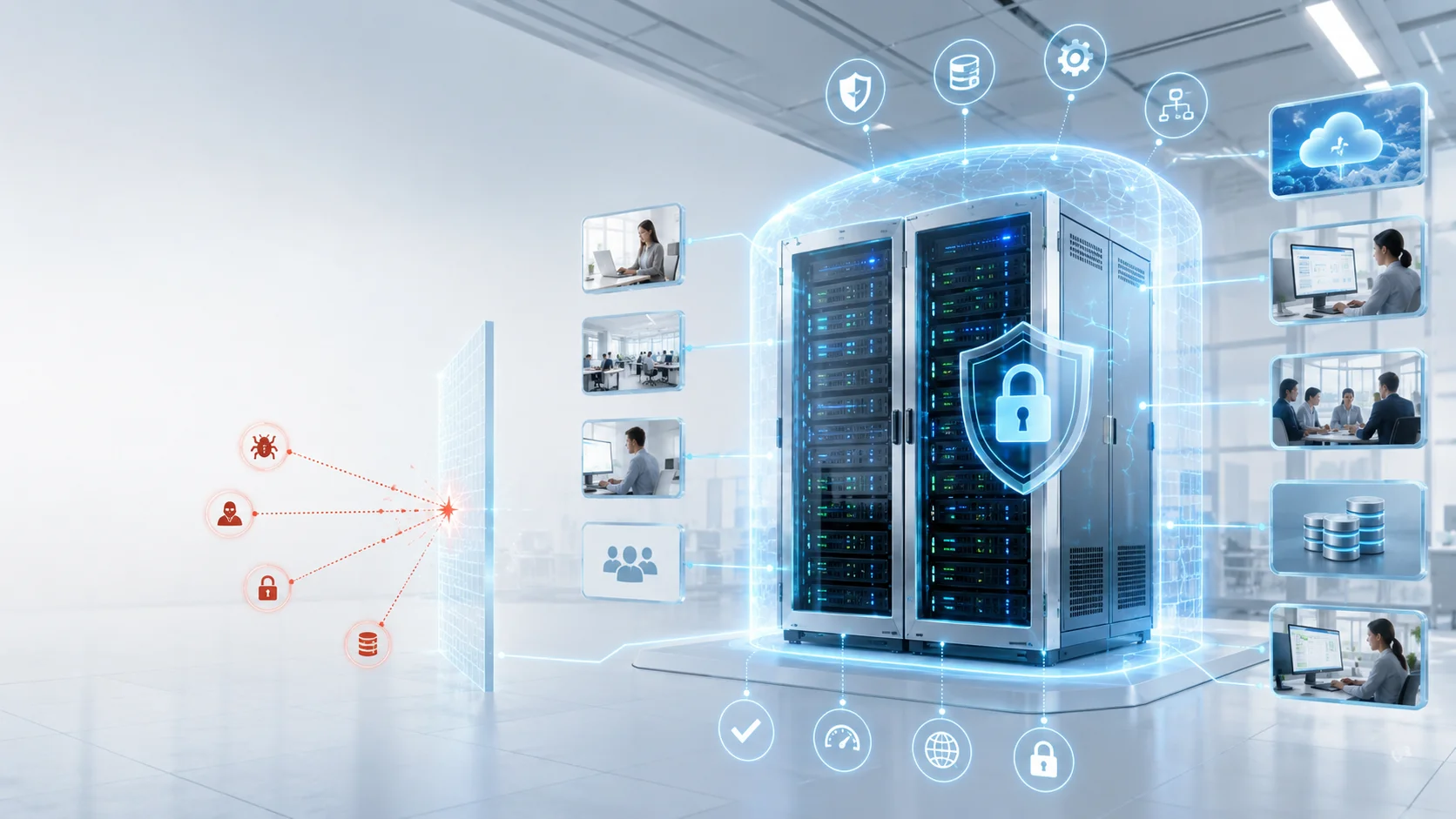
Servers are like the brain of your business, holding your databases and important apps. Because so many people depend on them, they need a special kind of protection that’s tough but doesn’t accidentally break your workflow.
Mobile Devices
Smartphones and tablets increasingly provide direct access to email, cloud applications, customer records, collaboration platforms and company documents.
That makes them business endpoints, even when the device belongs to the employee.
Mobile devices create a particular challenge because business and personal activity may take place on the same hardware. An employee may use one phone for company email, messaging, banking, social media, travel and personal applications.

The organization still needs to protect its information without unnecessarily invading the employee’s private use.
Endpoint protection for mobile devices may work alongside mobile device management, identity security and application access controls. The objective is to protect business data wherever it is accessed, rather than assuming that a phone is safe because it belongs to a trusted employee.
Remote Work Devices
A remote work device may be a company-issued laptop, a personal computer or a device temporarily used while travelling.
What makes it different is its environment.
Inside the office, an endpoint may benefit from network firewalls, managed Wi-Fi, internal monitoring and direct support from the IT team. On the other hand at home or on the road, the same device may connect through personal routers, shared networks or public internet services.
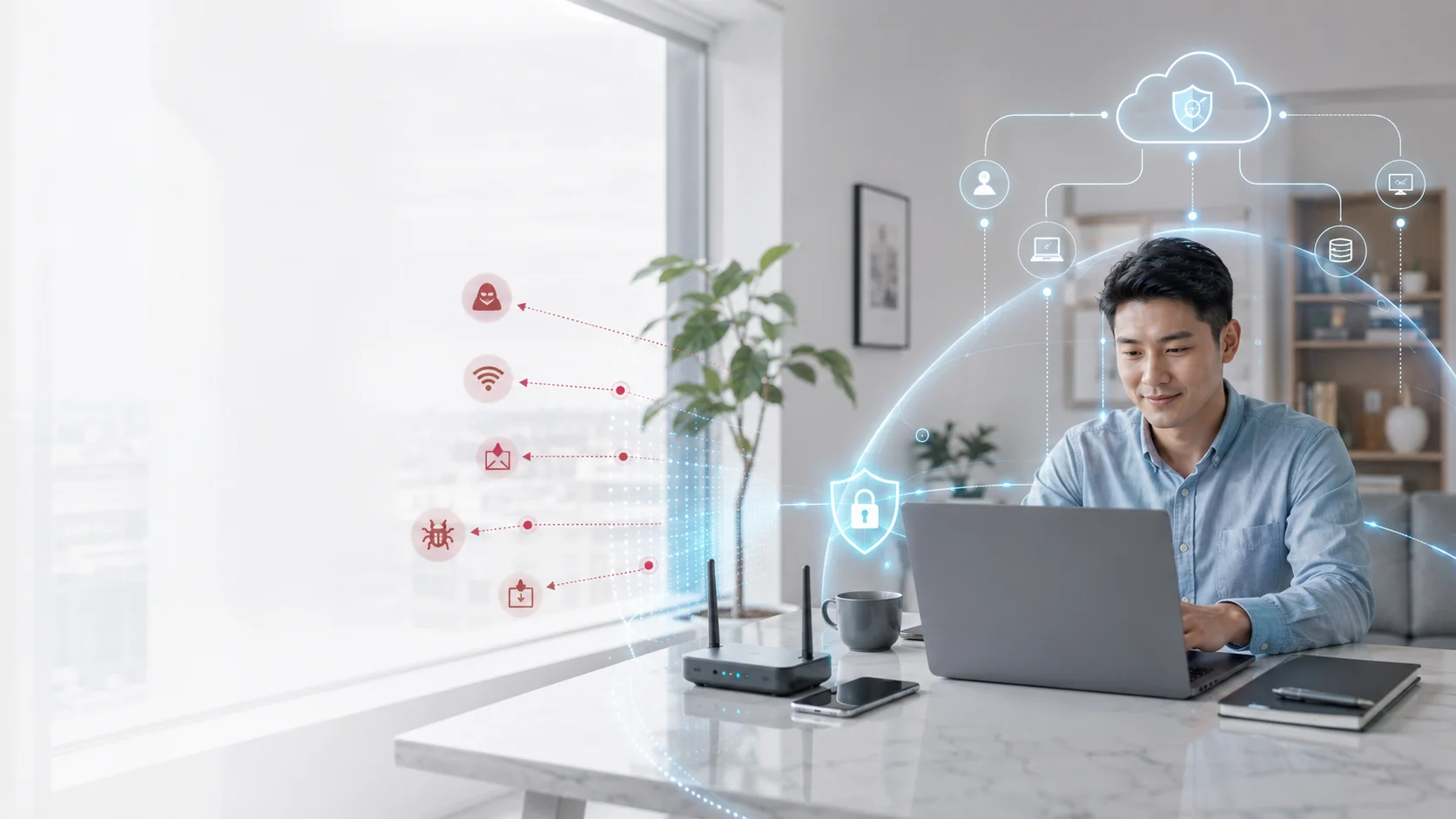
The business premises no longer define the complete technology perimeter.
K7’s cloud endpoint security material addresses this reality directly, noting that mobile and home based workforces increase the cybersecurity challenge because protection can no longer depend on where the employee is physically located. A cloud-managed console can help IT teams manage protection even when devices are outside the corporate network.
Why Endpoints Are Common Attack Targets?
Endpoints are attractive to attackers because they sit where people, applications and data meet.
An employee laptop may have access to email, cloud storage, customer records and internal business systems. A compromised administrator workstation may provide access to more sensitive infrastructure. A poorly secured remote device may offer a route into applications that are otherwise well protected.
Attackers also understand that people must interact with endpoints throughout the day.
Employees need to open documents, respond to messages and access online platforms. That makes it possible to disguise malicious actions as ordinary work.
A convincing email does not need to defeat a firewall if it can persuade the recipient to enter a password. A poisonous file does not need to exploit the entire network if an employee willingly downloads and opens it.
Attackers look for the weakest point in that environment. Endpoint security helps reduce this inconsistency by applying standard policies and showing IT teams which devices are protected, outdated, disconnected or noncompliant.
Main Threats Against Business Endpoints
Most attacks today are a mix of technical tricks and trying to gain your trust.
Malware
These are programs designed to spy, steal, or lock your files until you pay a fee. They can sneak in through emails, fake updates, or even “infected” documents.
Modern protection doesn’t just look for known bad files; it watches for suspicious behavior, like a program suddenly trying to change thousands of files at once.
Some malware is obvious. It may display unwanted messages, damage files or disrupt the device. Other malware is designed to remain quiet.
It may collect credentials, monitor activity or create a hidden connection that allows an attacker to return later. The employee might continue working normally while the compromised endpoint communicates with external infrastructure.
Ransomware
Ransomware can encrypt files, interrupt systems or prevent an organization from accessing the information it needs to operate. Some attackers also steal data before encryption and use the possibility of public exposure as additional pressure.
The initial infection may begin on one endpoint, but the damage does not necessarily stop there.
A compromised device can become the starting point for credential theft, lateral movement and access to shared resources. If the account has unnecessary privileges, the attacker may be able to reach additional systems.
Endpoint ransomware protection should focus on prevention and behavior.
A suspicious process that rapidly changes large numbers of files, attempts to disable security controls or accesses unusual locations should not be treated as normal activity simply because the executable is not yet listed in a traditional malware database.
Protected, isolated and tested backups are essential because no preventive control is perfect. Endpoint protection reduces the chance of ransomware succeeding, backup and recovery reduce the damage if it does.
Phishing
Phishing is when someone pretends to be your bank or a manager to get you to share a password or send money. Training your team is key, but we’re all human and can get distracted.
Technology should act as a safety net, catching those fake sites before you even see them.
The FBI explains that phishing and spoofing attempts are designed to manipulate people into disclosing information, downloading worm software or sending money. Fraudulent sites may closely resemble the services they impersonate, making the deception harder to recognize at a glance.
Employee awareness training remains essential, but training alone is not enough. Even careful employees can make mistakes when they are busy, distracted or responding to a convincing request.
Endpoint and web protection should help identify known malicious links, dangerous files and fraudulent websites before the user completes the harmful action.
Zero-Day Attacks
A zero-day attack exploits a vulnerability before an effective fix is available or before the affected organization has applied the necessary update.
This creates a problem for tools that rely only on recognizing known malicious files.
Behavioral analysis, application control, exploit prevention and anomaly detection can help identify suspicious activity associated with unknown threats.
K7’s enterprise and cloud endpoint security offerings describe protection against zero day attacks as part of a broader multi layered approach that also addresses ransomware, phishing, advanced persistent threats and conventional malware.
Zero-day protection should still be supported by disciplined patching.
Endpoint Security vs Traditional Antivirus
Traditional antivirus and endpoint security are related, but they are not the same thing.
Antivirus was originally designed primarily to identify and remove known malicious files. It compared files against recognized threat signatures and blocked those that matched.
The limitation is that modern attacks may use techniques that do not depend on a traditional virus file. Attackers can exploit legitimate tools, stolen credentials, scripts, browser activity and software vulnerabilities. They may also create new malware variants faster than signature databases can be updated.
The difference becomes clearer in a practical example.
Traditional antivirus may ask:
Is this file already known to be malicious?
Modern endpoint security also asks:
Why is this application attempting to change hundreds of documents? Why is this device contacting an unusual server? Why is a standard business application launching an unexpected script? Why is an employee workstation behaving differently from its normal pattern?
Antivirus is therefore one layer inside endpoint security, not a complete business strategy by itself.
Key Features of a Strong Endpoint Security Solution
The right endpoint security solution should match the organization’s actual environment. A large enterprise with multiple data centers may have different requirements from a 50-person professional-services company, but the underlying priorities are similar.
First, the solution should provide multi-layered threat protection. It should address known malware while also analyzing suspicious behavior, web activity and emerging threats.
Second, it should offer centralized management. IT teams need one view of endpoint status, security events, policy compliance and devices requiring attention.
Third, the system should support remote and mobile users. Protection should continue when devices are outside the office network.
Fourth, policies should be flexible. Servers, employee laptops and specialized workstations may need different controls. A strong platform allows administrators to create appropriate groups without losing central visibility.
Fifth, it should support fast policy deployment. When a threat or business requirement changes, IT teams should be able to update protection across the organization without visiting every device.
Sixth, it should have a low operational footprint. Protection must not unnecessarily slow devices or overwhelm the IT team with constant false alerts.
Seventh, reporting should be clear and actionable. A dashboard filled with technical events has little value if administrators cannot quickly determine what requires attention.
Eighth, the solution should integrate with the organization’s wider security practices. Endpoint security works best alongside identity protection, secure access, patch management, backup and incident response.
K7 offers cloud-based and on-premises enterprise endpoint security models. Its cloud offering emphasizes central management for distributed environments, while the on-premises option supports organizations that want local deployment without middleware dependency.
A useful solution is one the business can deploy properly, operate consistently and maintain over time.
Endpoint Security for Small and Mid-Sized Businesses
Small and mid-sized businesses sometimes assume endpoint security is an enterprise concern. That assumption is risky.
A smaller company may have fewer devices, but it may also have fewer security specialists, less redundancy and less time to recover from an incident. One unavailable system can interrupt invoicing, customer support, sales or operations across the entire organization.
Smaller businesses are also highly dependent on endpoints.
An employee laptop may contain local documents, saved credentials and access to several cloud applications. A business owner’s device may provide access to banking, customer information and administrative accounts.
A practical endpoint security approach for a small or mid-sized business should begin with visibility:
- How many devices access business information?
- Which devices are company-owned?
- Are personal devices permitted?
- Who has local administrator privileges?
- Are all devices receiving updates?
- Which endpoints have access to sensitive applications?
- How quickly would IT know if protection stopped working?
The next step is to standardize protection.
A centrally managed cloud endpoint platform can be particularly useful for smaller IT teams because it reduces the need to maintain separate management infrastructure. Policies and updates can be applied across office and remote devices from one console.
K7 describes its cloud endpoint security offering as enterprise-class protection designed for organizations that need security independent of employee location. It includes central cloud management and protection against malware, ransomware, phishing and zero-day threats.
Businesses should consider the full operational impact:
- Time required to manage the platform
- Hardware or infrastructure requirements
- Device performance
- Quality of reporting
- Ease of policy deployment
- Support availability
- Recovery effort after an incident
A solution that is inexpensive to purchase but difficult to manage may create hidden costs through administration, downtime and inconsistent protection.
Common Endpoint Security Mistakes
It’s easy to think every single device is already covered, but that’s often not the case. Before you start enforcing new rules, it’s worth taking a careful look around to make sure you haven’t missed any old servers or forgotten laptops tucked away in remote corners.
Another common pitfall is the “set it and forget it” approach. Security isn’t a one-time project; it’s a process. Since your team and your tools are always changing, your protection needs to be checked regularly to make sure it’s still working for you.
Be careful with administrative privileges. If everyone has the power to install whatever they want, so does any malware that manages to get in. It’s safer to give people just the access they need to do their jobs well.
Don’t let alerts become background noise. If your system is constantly crying wolf, you might miss the one notification that actually matters. It helps to tune your settings so your team can stay focused on the real threats.
One size rarely fits all when it comes to security. A database server needs different rules than a laptop at the front desk. Tailoring your policies to the specific role of each device makes your protection much more effective.
And don’t forget about your remote team. A laptop shouldn’t become a blind spot just because it hasn’t been back to the office in a while. Modern solutions help you keep everyone protected, no matter where they’re working from.
Finally, remember that endpoint security is just one piece of the puzzle. It works best when it’s backed up by other good habits, like using strong passwords and having a reliable backup plan in case things go sideways.
Final Endpoint Security Checklist
Here are a few direct questions to help you see where your business stands today:
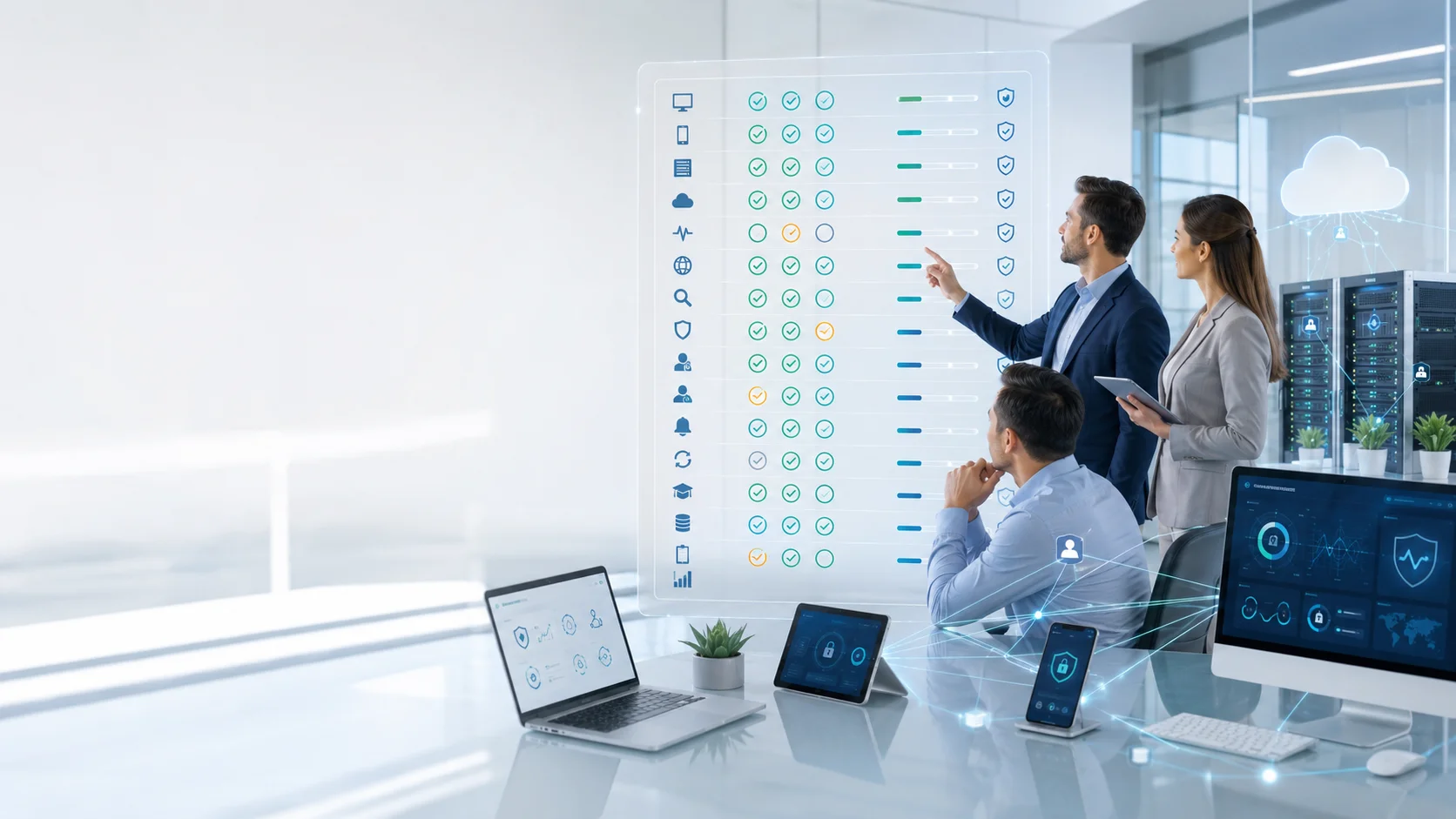
- Do we know exactly which devices are accessing our data?
- Are all our laptops, phones, and servers actually covered?
- Can we see from one place if everything is up to date?
- Does the protection still work when people leave the office?
- Can we spot strange behavior, not just old viruses?
- Are we defended against ransomware and phishing scams?
- Do we have the right rules for different types of users?
- Are we limiting admin powers to keep things secure?
- Do we know who is responsible for checking alerts?
- If a device is compromised, can we lock it down fast?
- Are we regularly patching our apps and systems?
- Is our team trained to spot and report suspicious emails?
- Do we have a solid backup plan if something goes wrong?
- Do we have a clear plan for how to react to an incident?
- Do we review these rules as our business grows?
Any answer of “no” or “we are not sure” represents a useful starting point. Endpoint security does not have to be rebuilt in one day, but the business should know where its visibility and protection gaps exist.
From Endpoint Protection to Business Resilience
In the end, endpoint security is about much more than just technology. It’s about making sure your business can keep moving forward, no matter what surprises come your way. By protecting the devices your team uses every day, you’re looking after your data, your customers, and your hard work.
As your company grows and welcomes new team members or remote ways of working, your security should grow with you. It shouldn’t be a burden that slows you down, but a steady foundation that gives you the confidence to expand and try new things.
D3 is here to help you turn these requirements into a simple, practical strategy. Real security isn’t about how many features you have on a list; it’s about knowing you have visibility over your devices and the control to keep operating, even when things get tough.
Taking these steps today means building a stronger, more resilient future for your business.
That value goes beyond supplying licences. It includes regional understanding, solution positioning, pre-sales guidance and support for partners delivering endpoint protection to customers across the GCC. Because strong endpoint security is not measured by how many features appear on a product sheet.